Kembali ke semua panduan
2026-01-12
Generator Bayi Kartun
Cartoon styles are more forgiving than photoreal. Start with a clear photo and try 2–3 styles to find the best fit for your baby’s face.
Langkah Cepat
Daftar cepat yang dapat Anda ikuti dalam waktu kurang dari satu menit.
- 1Buka alat Bayi Kartun.
- 2Unggah foto bayi yang jelas (satu wajah, pencahayaan baik).
- 3Pilih gaya (anime/chibi/3D/dll.).
- 4Hasilkan 2-3 variasi.
- 5Simpan hasil terbaik dan gunakan kembali sebagai avatar atau thumbnail.
Opsi alat yang dapat dipilih
Rasio aspek:1:12:33:24:33:44:55:49:1616:9
- Pilih preset gaya atau tulis prompt gaya kustom.
Contoh Tutorial (dengan prompt & pengaturan)
Setiap contoh di bawah ini dipilih sebelumnya untuk panduan ini (tidak acak).
Contoh 1
Gaya bayi kartun (contoh 1)
cartoon-baby
Cara menggunakan contoh ini
- 1.Buka alat.
- 2.Ikuti input dan pengaturan di bawah.
- 3.Unggah input yang ditampilkan di bawah.
- 4.Gunakan kata kunci (atau prompt lengkap) dan pilih pengaturan.
- 5.Hasilkan dan ulangi (potong/pencahayaan/prompt) jika perlu.
Input
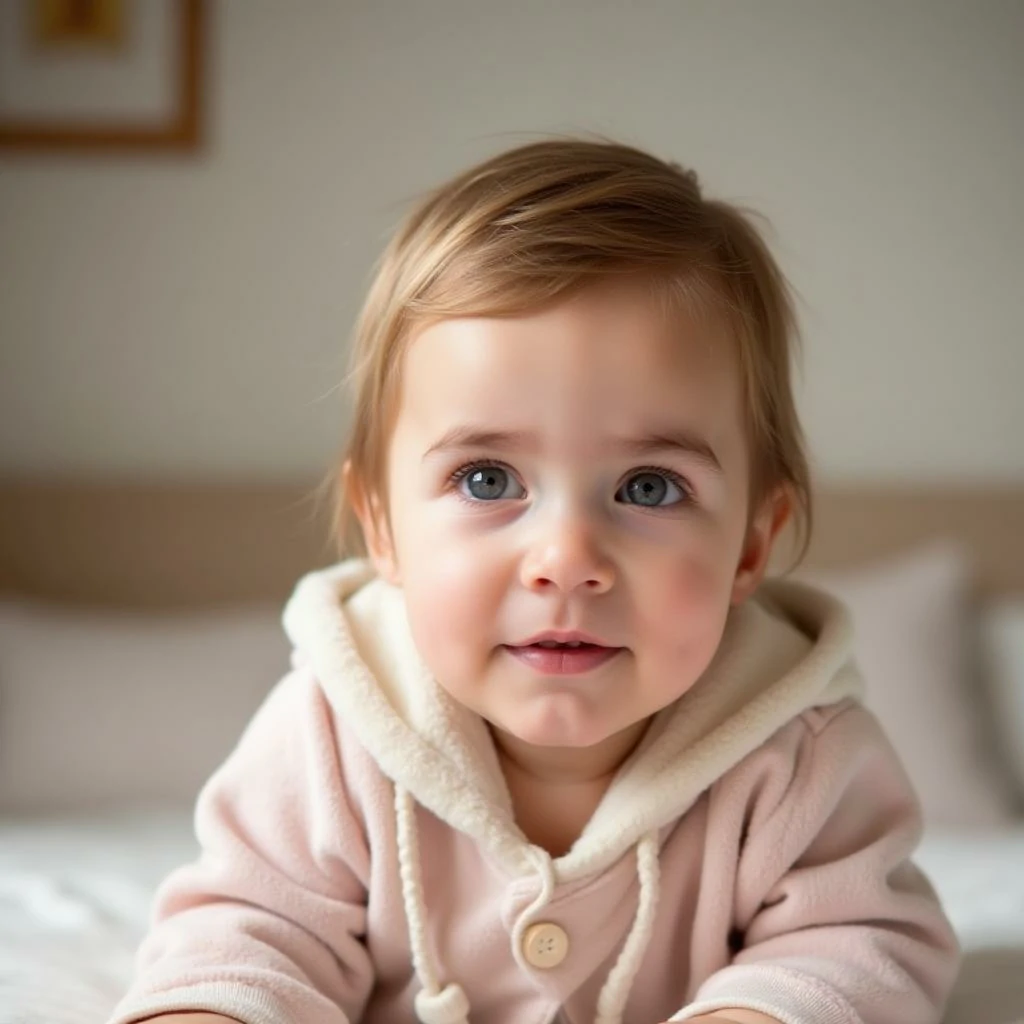
Input
Pengaturan (digunakan dalam contoh ini)
Contoh 2
Gaya bayi kartun (contoh 2)
cartoon-baby
Cara menggunakan contoh ini
- 1.Buka alat.
- 2.Ikuti input dan pengaturan di bawah.
- 3.Unggah input yang ditampilkan di bawah.
- 4.Gunakan kata kunci (atau prompt lengkap) dan pilih pengaturan.
- 5.Hasilkan dan ulangi (potong/pencahayaan/prompt) jika perlu.
Input
Input
Pengaturan (digunakan dalam contoh ini)
Contoh 3
Gaya bayi kartun (contoh 3)
cartoon-baby
Cara menggunakan contoh ini
- 1.Buka alat.
- 2.Ikuti input dan pengaturan di bawah.
- 3.Unggah input yang ditampilkan di bawah.
- 4.Gunakan kata kunci (atau prompt lengkap) dan pilih pengaturan.
- 5.Hasilkan dan ulangi (potong/pencahayaan/prompt) jika perlu.
Input
Input
Pengaturan (digunakan dalam contoh ini)
Tips
- Latar belakang sederhana biasanya menghasilkan tepi kartun yang lebih bersih.
- Coba beberapa gaya—beberapa wajah terlihat lebih baik dalam estetika tertentu.
- Jika hasil terlihat berantakan, perketat pemotongan untuk fokus pada wajah.
FAQ
Bisakah saya menggunakan output sebagai foto profil?▼
Ya—ekspor gambar dan gunakan untuk avatar, thumbnail, atau poster.
Foto apa yang paling baik?▼
Use a sharp, front-facing photo with one clear face and minimal occlusion.
Bagaimana cara mendapatkan gaya yang lebih konsisten?▼
Tetap pada satu preset gaya dan jaga pencahayaan/latar belakang serupa di seluruh input.
Siap untuk menghasilkan?
Buka alat dan gunakan kembali prompt/pengaturan di atas.