Torna a tutte le guide
2026-01-12
Video Bambino che Balla IA
Per i clip di ballo, mantienilo semplice: usa 9:16, scegli una foto chiara del bambino, mantieni la durata breve e itera su ritaglio/illuminazione se il movimento sembra sbagliato.
Passaggi rapidi
Una lista rapida che puoi seguire in meno di un minuto.
- 1Apri lo strumento Bambino che Balla.
- 2Usa 9:16 per TikTok/Shorts.
- 3Carica una foto chiara del bambino (viso centrato; includi le spalle).
- 4Mantieni la durata breve (inizia con 5s).
- 5Genera, poi riprova con ritaglio/illuminazione migliori se necessario.
- 6Esporta e pubblica (didascalie + audio di tendenza aiutano).
Opzioni dello strumento disponibili
Risoluzione:480p720p
- La durata corrisponde al video di input (max 30s).
- L'output è fissato in verticale (9:16).
Esempi del tutorial (con prompt e impostazioni)
Ogni esempio qui sotto è preselezionato per questa guida (non casuale).
Esempio 1
Clip di danza verticale (9:16)
Image-to-Videodancing-baby
Come usare questo esempio
- 1.Apri lo strumento.
- 2.Scegli la modalità: Image-to-Video.
- 3.Carica l'input mostrato qui sotto.
- 4.Usa le parole chiave (o il prompt completo) e scegli le impostazioni.
- 5.Genera e itera (ritaglio/illuminazione/prompt) se necessario.
Input
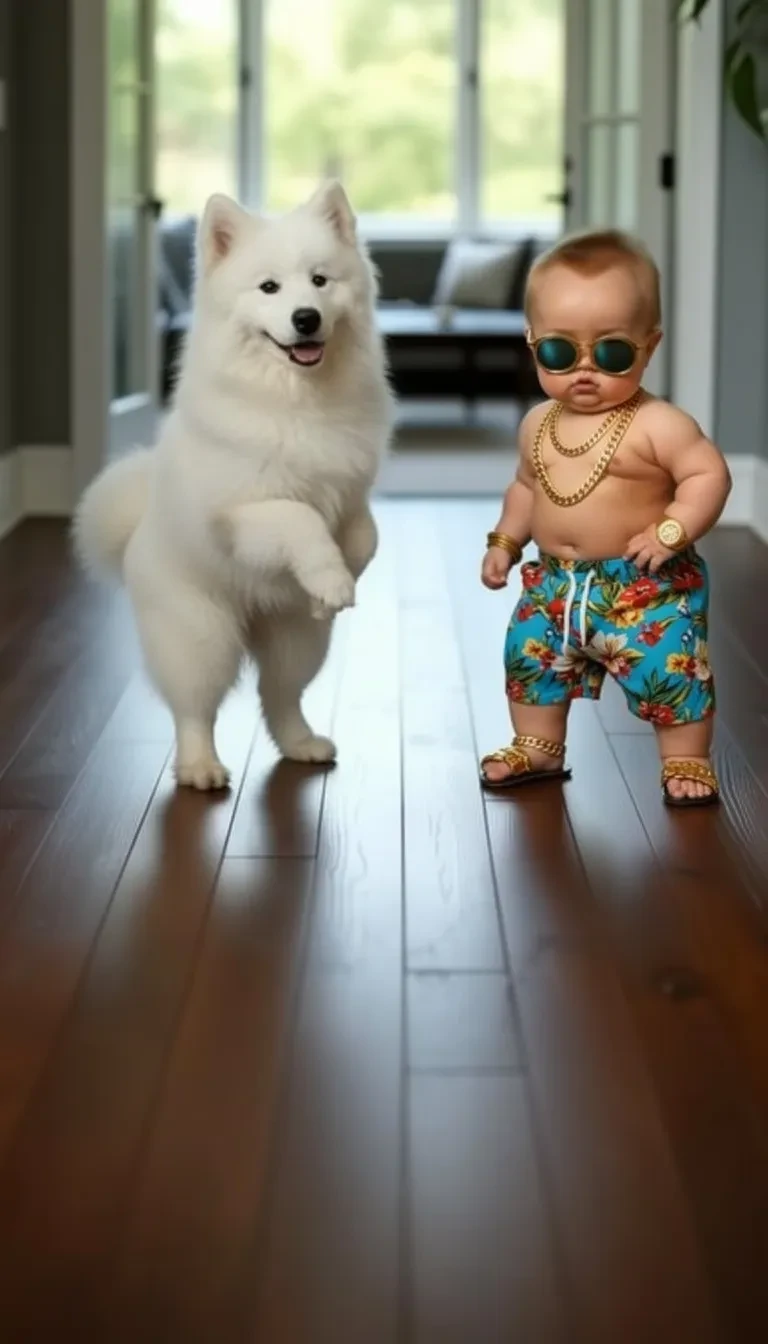
Image
Impostazioni (usate in questo esempio)
Rapporto d'aspetto
9:16
Esempio 2
Variazione di danza (9:16)
Image-to-Videodancing-baby
Come usare questo esempio
- 1.Apri lo strumento.
- 2.Scegli la modalità: Image-to-Video.
- 3.Carica l'input mostrato qui sotto.
- 4.Usa le parole chiave (o il prompt completo) e scegli le impostazioni.
- 5.Genera e itera (ritaglio/illuminazione/prompt) se necessario.
Input
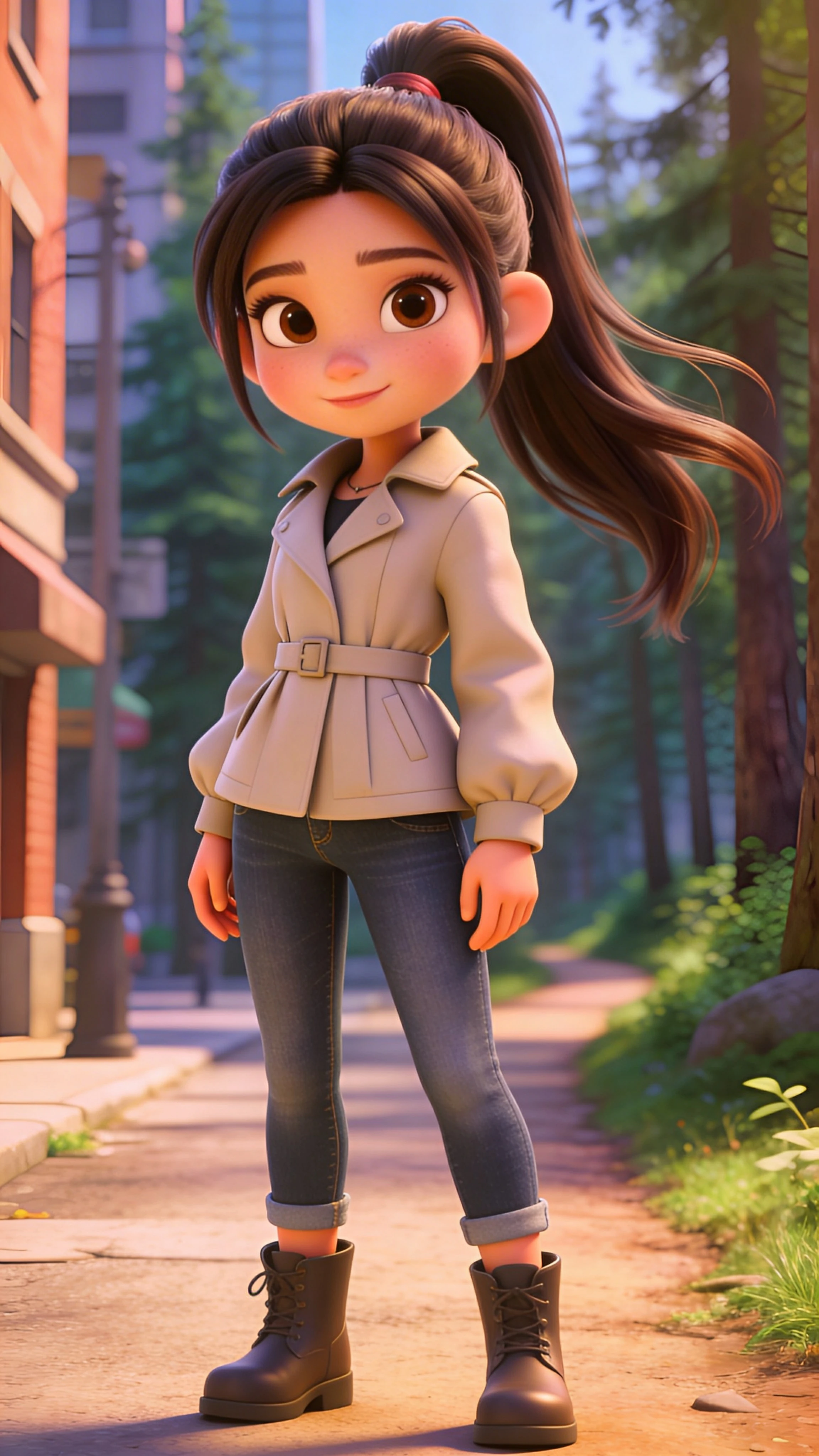
Image
Impostazioni (usate in questo esempio)
Rapporto d'aspetto
9:16
Esempio 3
Variazione di danza (9:16)
Image-to-Videodancing-baby
Come usare questo esempio
- 1.Apri lo strumento.
- 2.Scegli la modalità: Image-to-Video.
- 3.Carica l'input mostrato qui sotto.
- 4.Usa le parole chiave (o il prompt completo) e scegli le impostazioni.
- 5.Genera e itera (ritaglio/illuminazione/prompt) se necessario.
Input
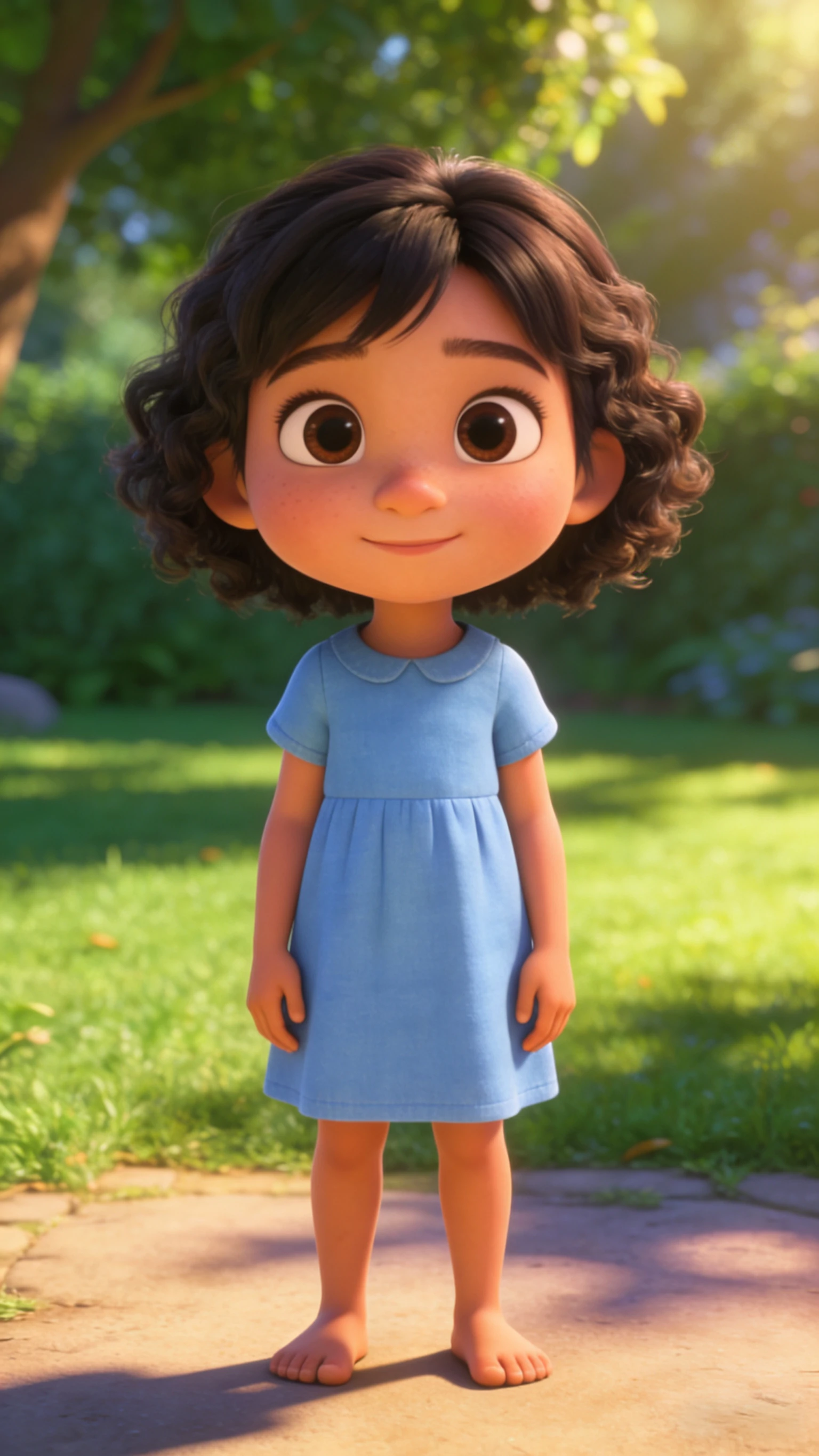
Image
Impostazioni (usate in questo esempio)
Rapporto d'aspetto
9:16
Suggerimenti
- Se il movimento sembra strano, la soluzione è solitamente una foto e un ritaglio migliori—non un prompt più lungo.
- Mantieni il viso centrato e grande nel frame per meno artefatti.
- I clip più brevi sembrano più puliti e si ripetono meglio.
Domande frequenti
Perché il movimento di ballo sembra strano?▼
La maggior parte dei problemi deriva da foto di bassa qualità o ritagli troppo stretti. Usa un'illuminazione migliore, includi le spalle e mantieni la durata breve.
Dovrei usare 9:16 o 1:1?▼
Usa 9:16 per TikTok/Shorts. Usa 1:1 solo se pubblichi su feed quadrati.
Come posso renderlo più virale?▼
Usa un gancio forte nel primo secondo (viso grande, movimento chiaro), aggiungi didascalie e usa audio di tendenza.
Pronto per generare?
Apri lo strumento e riutilizza i prompt/impostazioni sopra.