Powrót do wszystkich przewodników
2026-01-12
Generator Kreskówkowego Dziecka
Cartoon styles are more forgiving than photoreal. Start with a clear photo and try 2–3 styles to find the best fit for your baby’s face.
Szybkie kroki
Szybka lista kontrolna, którą możesz wykonać w mniej niż minutę.
- 1Otwórz narzędzie Kreskówkowe Dziecko.
- 2Prześlij wyraźne zdjęcie dziecka (jedna twarz, dobre oświetlenie).
- 3Wybierz styl (anime/chibi/3D/itd.).
- 4Wygeneruj 2-3 wariacje.
- 5Zapisz najlepszy wynik i użyj go jako awatara lub miniatury.
Dostępne opcje narzędzia
Proporcje:1:12:33:24:33:44:55:49:1616:9
- Wybierz preset stylu lub napisz własny prompt stylu.
Przykłady samouczka (z promptami i ustawieniami)
Każdy przykład poniżej jest wstępnie wybrany dla tego przewodnika (nie losowy).
Przykład 1
Styl kreskówkowego dziecka (przykład 1)
cartoon-baby
Jak używać tego przykładu
- 1.Otwórz narzędzie.
- 2.Postępuj zgodnie z danymi wejściowymi i ustawieniami poniżej.
- 3.Prześlij dane wejściowe pokazane poniżej.
- 4.Użyj słów kluczowych (lub pełnego promptu) i wybierz ustawienia.
- 5.Wygeneruj i powtórz (przycinanie/oświetlenie/prompt) w razie potrzeby.
Dane wejściowe
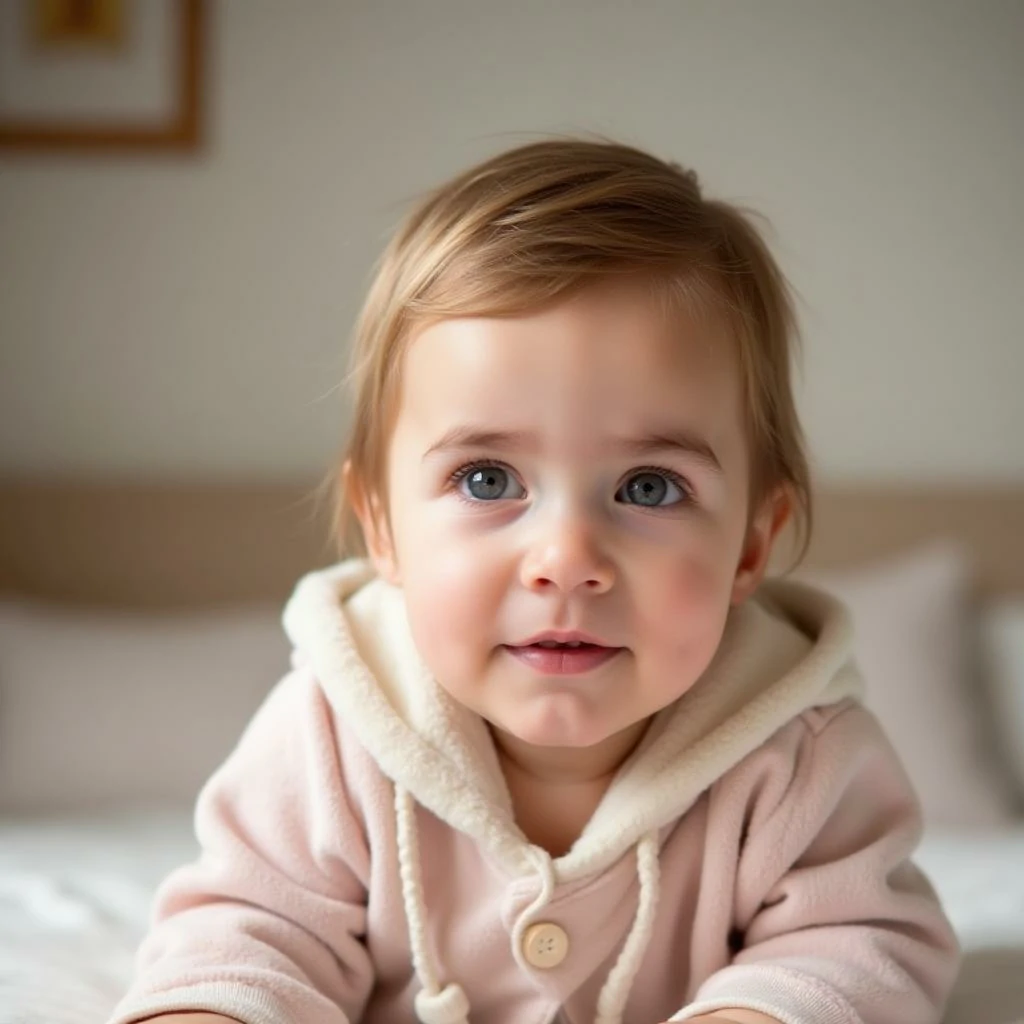
Input
Ustawienia (użyte w tym przykładzie)
Przykład 2
Styl kreskówkowego dziecka (przykład 2)
cartoon-baby
Jak używać tego przykładu
- 1.Otwórz narzędzie.
- 2.Postępuj zgodnie z danymi wejściowymi i ustawieniami poniżej.
- 3.Prześlij dane wejściowe pokazane poniżej.
- 4.Użyj słów kluczowych (lub pełnego promptu) i wybierz ustawienia.
- 5.Wygeneruj i powtórz (przycinanie/oświetlenie/prompt) w razie potrzeby.
Dane wejściowe
Input
Ustawienia (użyte w tym przykładzie)
Przykład 3
Styl kreskówkowego dziecka (przykład 3)
cartoon-baby
Jak używać tego przykładu
- 1.Otwórz narzędzie.
- 2.Postępuj zgodnie z danymi wejściowymi i ustawieniami poniżej.
- 3.Prześlij dane wejściowe pokazane poniżej.
- 4.Użyj słów kluczowych (lub pełnego promptu) i wybierz ustawienia.
- 5.Wygeneruj i powtórz (przycinanie/oświetlenie/prompt) w razie potrzeby.
Dane wejściowe
Input
Ustawienia (użyte w tym przykładzie)
Wskazówki
- Proste tła zwykle produkują czystsze krawędzie kreskówek.
- Wypróbuj wiele stylów—niektóre twarze wyglądają lepiej w określonych estetykach.
- Jeśli wyniki wyglądają nieporządnie, przyciągnij kadrowanie, aby skupić się na twarzy.
FAQ
Czy mogę użyć wyniku jako zdjęcia profilowego?▼
Tak—eksportuj obraz i użyj go dla awatarów, miniatur lub plakatów.
Jakie zdjęcie działa najlepiej?▼
Use a sharp, front-facing photo with one clear face and minimal occlusion.
Jak uzyskać bardziej spójny styl?▼
Trzymaj się jednego presetu stylu i utrzymuj podobne oświetlenie/tło we wszystkich wejściach.
Gotowy do generowania?
Otwórz narzędzie i ponownie użyj powyższych promptów/ustawień.