กลับไปยังคู่มือทั้งหมด
2026-01-12
วิดีโอเด็กทารกเต้น AI
สำหรับคลิปเต้น รักษาให้เรียบง่าย: ใช้ 9:16 เลือกรูปถ่ายเด็กทารกที่ชัดเจน รักษาความยาวสั้น และทำซ้ำการครอป/แสงถ้าการเคลื่อนไหวดูผิดปกติ
ขั้นตอนด่วน
รายการตรวจสอบอย่างรวดเร็วที่คุณสามารถทำตามได้ในเวลาไม่ถึงหนึ่งนาที
- 1เปิดเครื่องมือเด็กทารกเต้น
- 2ใช้ 9:16 สำหรับ TikTok/Shorts
- 3อัปโหลดรูปถ่ายเด็กทารกที่ชัดเจน (ใบหน้าอยู่ตรงกลาง รวมไหล่)
- 4รักษาความยาวสั้น (เริ่มที่ 5 วินาที)
- 5สร้าง จากนั้นลองใหม่ด้วยการครอป/แสงที่ดีขึ้นถ้าจำเป็น
- 6ส่งออกและโพสต์ (คำบรรยาย + เสียงที่กำลังเทรนด์ช่วยได้)
ตัวเลือกเครื่องมือที่เลือกได้
ความละเอียด:480p720p
- ระยะเวลาตรงกับวิดีโอต้นฉบับ (สูงสุด 30 วินาที)
- เอาต์พุตเป็นแนวตั้ง (9:16) คงที่
ตัวอย่างบทช่วยสอน (พร้อมพรอมต์และการตั้งค่า)
แต่ละตัวอย่างด้านล่างได้รับการคัดเลือกล่วงหน้าสำหรับคู่มือนี้ (ไม่สุ่ม)
ตัวอย่าง 1
คลิปเต้นแนวตั้ง (9:16)
Image-to-Videodancing-baby
วิธีใช้ตัวอย่างนี้
- 1.เปิดเครื่องมือ
- 2.เลือกโหมด: Image-to-Video.
- 3.อัปโหลดข้อมูลนำเข้าที่แสดงด้านล่าง
- 4.ใช้คำหลัก (หรือพรอมต์เต็ม) และเลือกการตั้งค่า
- 5.สร้างและปรับปรุง (ครอป/แสง/พรอมต์) หากจำเป็น
ข้อมูลนำเข้า
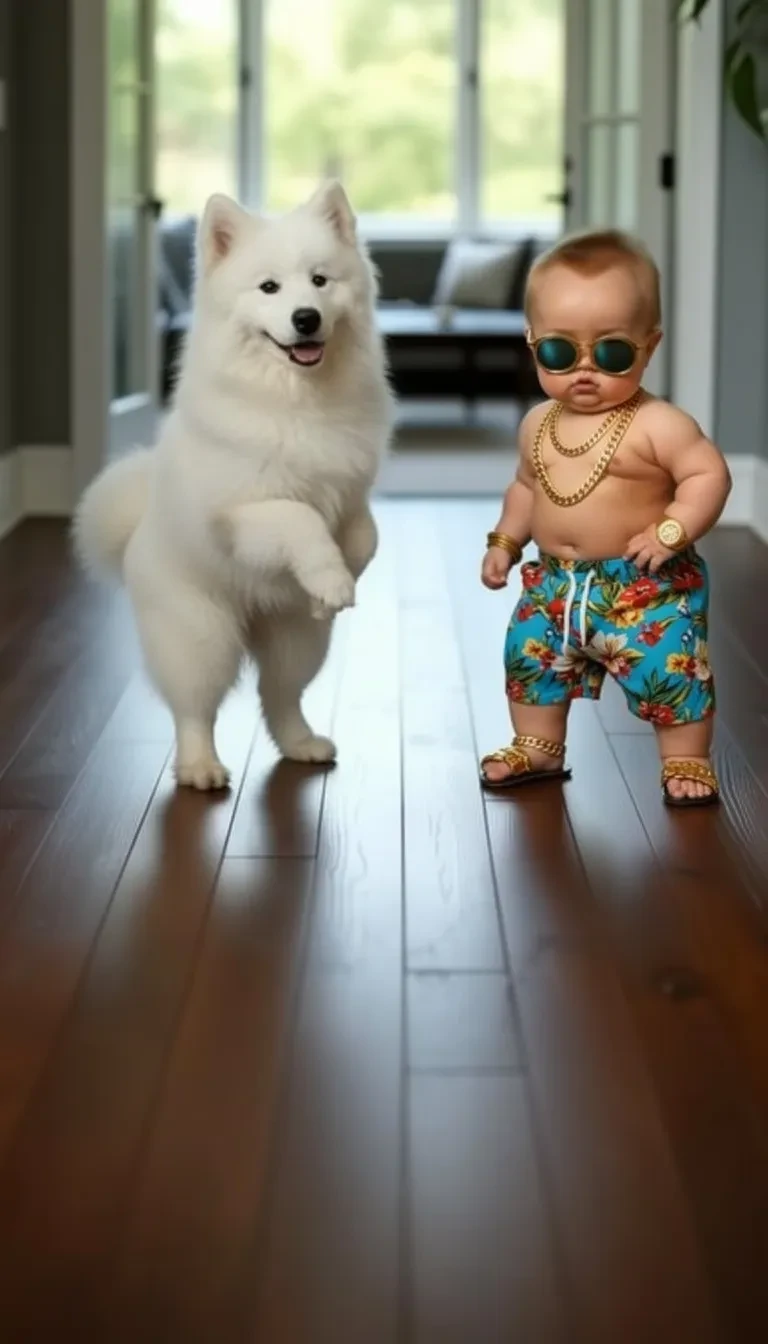
Image
การตั้งค่า (ที่ใช้ในตัวอย่างนี้)
อัตราส่วน
9:16
ตัวอย่าง 2
เวอร์ชันเต้น (9:16)
Image-to-Videodancing-baby
วิธีใช้ตัวอย่างนี้
- 1.เปิดเครื่องมือ
- 2.เลือกโหมด: Image-to-Video.
- 3.อัปโหลดข้อมูลนำเข้าที่แสดงด้านล่าง
- 4.ใช้คำหลัก (หรือพรอมต์เต็ม) และเลือกการตั้งค่า
- 5.สร้างและปรับปรุง (ครอป/แสง/พรอมต์) หากจำเป็น
ข้อมูลนำเข้า
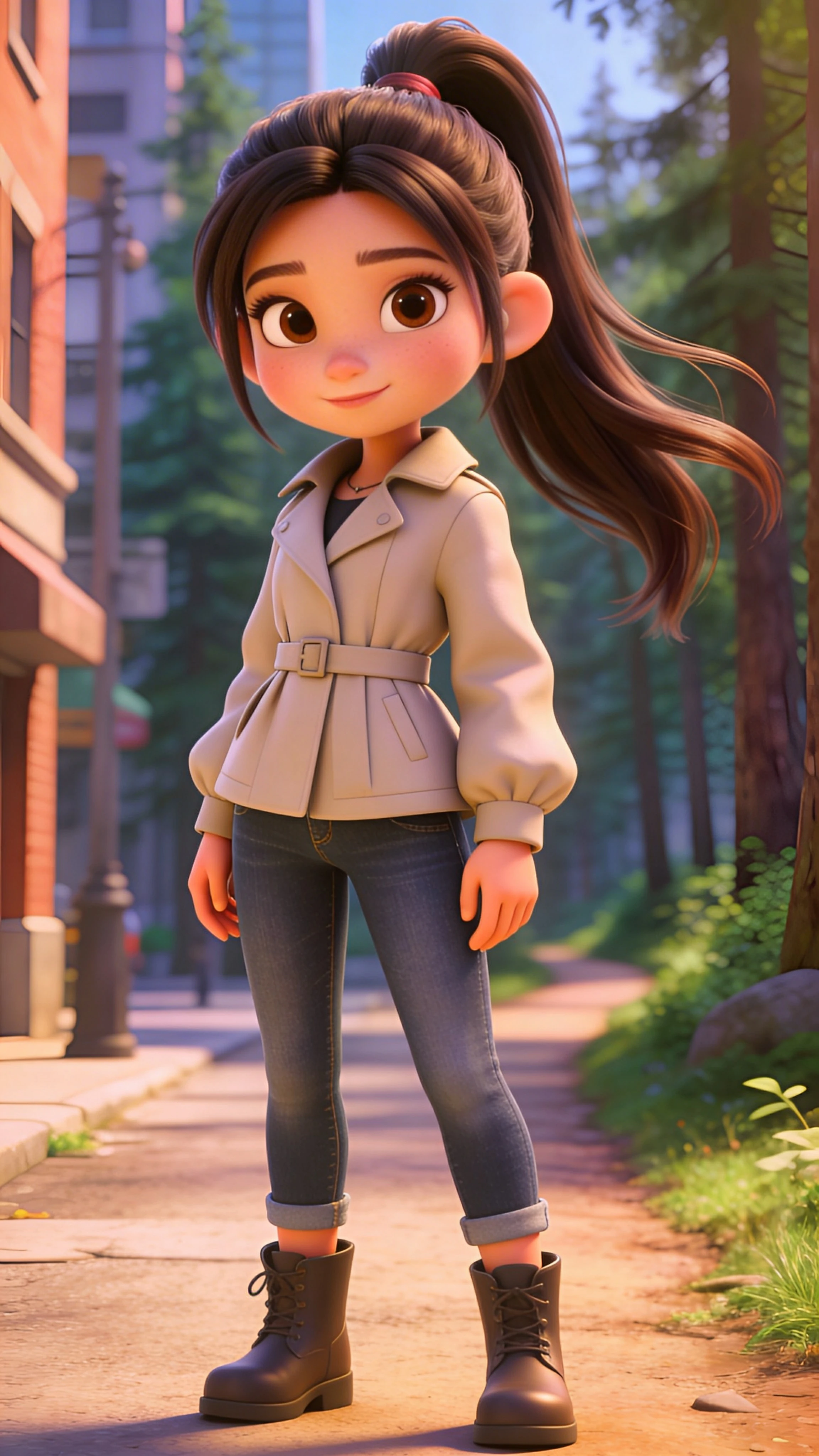
Image
การตั้งค่า (ที่ใช้ในตัวอย่างนี้)
อัตราส่วน
9:16
ตัวอย่าง 3
เวอร์ชันเต้น (9:16)
Image-to-Videodancing-baby
วิธีใช้ตัวอย่างนี้
- 1.เปิดเครื่องมือ
- 2.เลือกโหมด: Image-to-Video.
- 3.อัปโหลดข้อมูลนำเข้าที่แสดงด้านล่าง
- 4.ใช้คำหลัก (หรือพรอมต์เต็ม) และเลือกการตั้งค่า
- 5.สร้างและปรับปรุง (ครอป/แสง/พรอมต์) หากจำเป็น
ข้อมูลนำเข้า
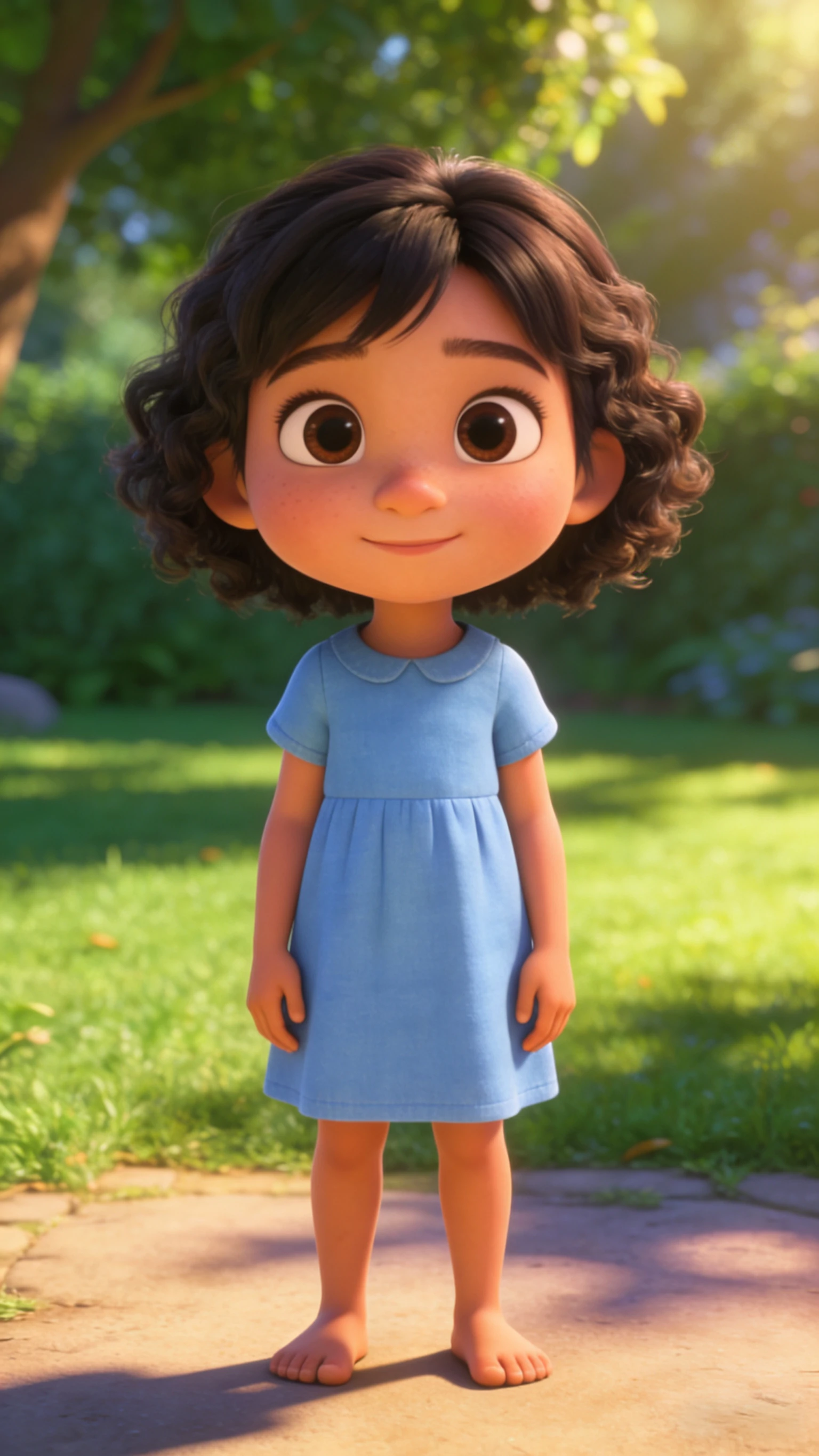
Image
การตั้งค่า (ที่ใช้ในตัวอย่างนี้)
อัตราส่วน
9:16
เคล็ดลับ
- ถ้าการเคลื่อนไหวดูแปลก การแก้ไขมักจะเป็นรูปถ่ายและการครอปที่ดีกว่า—ไม่ใช่พรอมต์ที่ยาวกว่า
- รักษาใบหน้าให้อยู่ตรงกลางและใหญ่ในเฟรมเพื่อลดอาร์ติแฟกต์
- คลิปสั้นดูสะอาดกว่าและวนรอบได้ดีกว่า
คำถามที่พบบ่อย
ทำไมการเคลื่อนไหวเต้นดูแปลก?▼
ปัญหาส่วนใหญ่มาจากรูปถ่ายคุณภาพต่ำหรือการครอปที่แน่นเกินไป ใช้แสงที่ดีกว่า รวมไหล่ และรักษาความยาวสั้น
ฉันควรใช้ 9:16 หรือ 1:1?▼
ใช้ 9:16 สำหรับ TikTok/Shorts ใช้ 1:1 เฉพาะเมื่อโพสต์ไปยังฟีดสี่เหลี่ยม
ฉันจะทำให้มันไวรัลมากขึ้นได้อย่างไร?▼
ใช้ฮุกที่แรงในวินาทีแรก (ใบหน้าใหญ่, การเคลื่อนไหวชัดเจน) เพิ่มคำบรรยาย และใช้เสียงที่กำลังเทรนด์
พร้อมสร้างแล้วหรือยัง?
เปิดเครื่องมือและใช้พรอมต์/การตั้งค่าข้างต้นอีกครั้ง