กลับไปยังคู่มือทั้งหมด
2026-01-12
วิธีทำวิดีโอ AI จากรูปถ่าย
ภาพเป็นวิดีโอเป็นเส้นทางที่เร็วที่สุดเมื่อคุณมีรูปถ่ายแล้ว ใช้ภาพที่ชัดเจน รักษาการเคลื่อนไหวให้เรียบง่าย และจับคู่อัตราส่วนกับแพลตฟอร์มเป้าหมาย
ขั้นตอนด่วน
รายการตรวจสอบอย่างรวดเร็วที่คุณสามารถทำตามได้ในเวลาไม่ถึงหนึ่งนาที
- 1เปิดเครื่องมือภาพเป็นวิดีโอ
- 2อัปโหลดรูปถ่ายที่ชัดเจน (หนึ่งใบหน้า แสงดี พื้นหลังเรียบง่าย)
- 3เพิ่มพรอมต์การเคลื่อนไหวสั้น (กระพริบตา, ยิ้ม, หันหัวเล็กน้อย)
- 4เลือกอัตราส่วน (9:16 สำหรับ Shorts) และความยาวสั้น (เริ่มที่ 5 วินาที)
- 5สร้าง จากนั้นปรับปรุงการครอป/แสงถ้าผลลัพธ์สั่น
ตัวเลือกเครื่องมือที่เลือกได้
โหมด:มาตรฐานโปร
อัตราส่วน:16:99:16
ระยะเวลา:5s10s4s / 6s / 8s (Audio mode)
ความละเอียด:720p1080p
- เวอร์ชันไม่มีเสียงเน้นการเคลื่อนไหวของภาพ เวอร์ชันเสียงเพิ่มเสียง (ตัวเลือกต่างกัน)
ตัวอย่างบทช่วยสอน (พร้อมพรอมต์และการตั้งค่า)
แต่ละตัวอย่างด้านล่างได้รับการคัดเลือกล่วงหน้าสำหรับคู่มือนี้ (ไม่สุ่ม)
ตัวอย่าง 1
การเคลื่อนไหวเรื่องราว (ภาพ → วิดีโอ + พรอมต์)
Image-to-Videoimage-to-video
วิธีใช้ตัวอย่างนี้
- 1.เปิดเครื่องมือ
- 2.เลือกโหมด: Image-to-Video.
- 3.อัปโหลดข้อมูลนำเข้าที่แสดงด้านล่าง
- 4.ใช้คำหลัก (หรือพรอมต์เต็ม) และเลือกการตั้งค่า
- 5.สร้างและปรับปรุง (ครอป/แสง/พรอมต์) หากจำเป็น
ข้อมูลนำเข้า
.webp)
Image
คำหลักพรอมต์
In the picturea child and a bird are playing happilyThe bird flies onto the child's handand the child reaches out to catch itlaughing joyfully
แสดงพรอมต์เต็ม (คัดลอก)
In the picture, a child and a bird are playing happily. The bird flies onto the child's hand, and the child reaches out to catch it, laughing joyfully.
การตั้งค่า (ที่ใช้ในตัวอย่างนี้)
ตัวอย่าง 2
แอนิเมชันภาพเดียว (ภาพ → วิดีโอ)
Image-to-Videoimage-to-video
วิธีใช้ตัวอย่างนี้
- 1.เปิดเครื่องมือ
- 2.เลือกโหมด: Image-to-Video.
- 3.อัปโหลดข้อมูลนำเข้าที่แสดงด้านล่าง
- 4.ใช้คำหลัก (หรือพรอมต์เต็ม) และเลือกการตั้งค่า
- 5.สร้างและปรับปรุง (ครอป/แสง/พรอมต์) หากจำเป็น
ข้อมูลนำเข้า
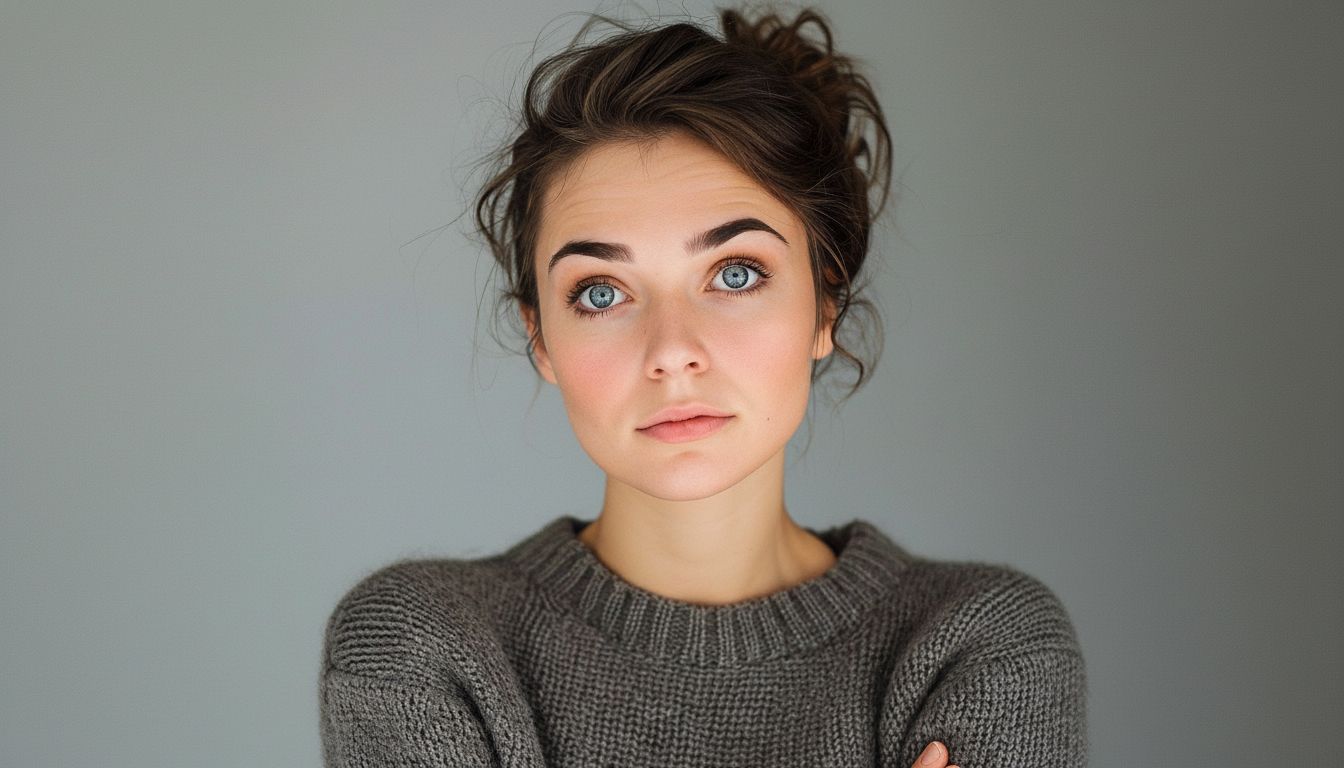
Image
การตั้งค่า (ที่ใช้ในตัวอย่างนี้)
เคล็ดลับ
- รวมไหล่ในเฟรมเพื่อลดการสั่น
- หลีกเลี่ยงมือปิดหน้าและพื้นหลังที่ยุ่งเหยิง
- ใช้พรอมต์การเคลื่อนไหวง่ายๆ—การเต้นที่ซับซ้อนเพิ่มอาร์ติแฟกต์
คำถามที่พบบ่อย
ฉันต้องเขียนพรอมต์สำหรับภาพเป็นวิดีโอไหม?▼
บ่อยครั้งพรอมต์การเคลื่อนไหวสั้นช่วยได้ แต่แม้ไม่มีก็สามารถสร้างการเคลื่อนไหวง่ายๆ จากรูปถ่ายที่แข็งแกร่ง
ทำไมผลลัพธ์ดูสั่น?▼
มันมักจะมาจากอินพุตคุณภาพต่ำหรือการครอปที่แน่น ใช้รูปถ่ายที่ชัดกว่าและรวมไหล่
ฉันควรใช้อัตราส่วนใด?▼
Use 9:16 for Shorts/TikTok. Match your target platform to avoid re-cropping later.
พร้อมสร้างแล้วหรือยัง?
เปิดเครื่องมือและใช้พรอมต์/การตั้งค่าข้างต้นอีกครั้ง