Tüm kılavuzlara dön
2026-01-12
Karikatür Bebek Oluşturucu
Cartoon styles are more forgiving than photoreal. Start with a clear photo and try 2–3 styles to find the best fit for your baby’s face.
Hızlı Adımlar
Bir dakikadan kısa sürede takip edebileceğiniz hızlı bir kontrol listesi.
- 1Karikatür Bebek aracını açın.
- 2Net bir bebek fotoğrafı yükleyin (tek yüz, iyi aydınlatma).
- 3Bir stil seçin (anime/chibi/3D/vb.).
- 42-3 varyasyon oluşturun.
- 5En iyi sonucu kaydedin ve avatar veya küçük resim olarak yeniden kullanın.
Seçilebilir araç seçenekleri
En boy oranı:1:12:33:24:33:44:55:49:1616:9
- Bir stil ön ayarı seçin veya özel stil istemi yazın.
Eğitim Örnekleri (istemler ve ayarlarla)
Aşağıdaki her örnek bu kılavuz için önceden seçilmiştir (rastgele değil).
Örnek 1
Karikatür bebek stili (örnek 1)
cartoon-baby
Bu örneği nasıl kullanılır
- 1.Aracı açın.
- 2.Aşağıdaki girdileri ve ayarları takip edin.
- 3.Aşağıda gösterilen girdiyi yükleyin.
- 4.Anahtar kelimeleri (veya tam istemi) kullanın ve ayarları seçin.
- 5.Oluşturun ve gerekirse tekrarlayın (kırpma/aydınlatma/istem).
Girdiler
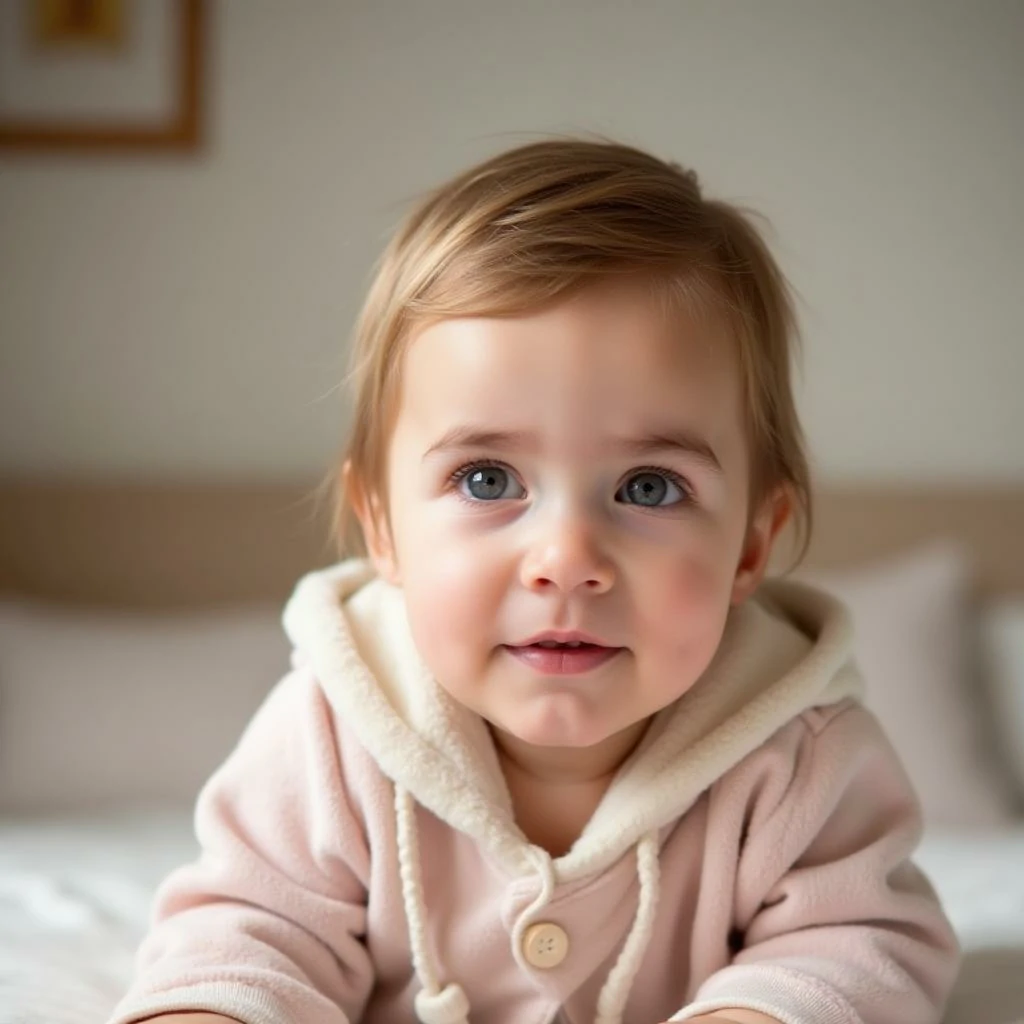
Input
Ayarlar (bu örnekte kullanılan)
Örnek 2
Karikatür bebek stili (örnek 2)
cartoon-baby
Bu örneği nasıl kullanılır
- 1.Aracı açın.
- 2.Aşağıdaki girdileri ve ayarları takip edin.
- 3.Aşağıda gösterilen girdiyi yükleyin.
- 4.Anahtar kelimeleri (veya tam istemi) kullanın ve ayarları seçin.
- 5.Oluşturun ve gerekirse tekrarlayın (kırpma/aydınlatma/istem).
Girdiler
Input
Ayarlar (bu örnekte kullanılan)
Örnek 3
Karikatür bebek stili (örnek 3)
cartoon-baby
Bu örneği nasıl kullanılır
- 1.Aracı açın.
- 2.Aşağıdaki girdileri ve ayarları takip edin.
- 3.Aşağıda gösterilen girdiyi yükleyin.
- 4.Anahtar kelimeleri (veya tam istemi) kullanın ve ayarları seçin.
- 5.Oluşturun ve gerekirse tekrarlayın (kırpma/aydınlatma/istem).
Girdiler
Input
Ayarlar (bu örnekte kullanılan)
İpuçları
- Basit arka planlar genellikle daha temiz karikatür kenarları üretir.
- Birden fazla stil deneyin—bazı yüzler belirli estetiklerde daha iyi görünür.
- Sonuçlar dağınık görünüyorsa, yüze odaklanmak için kırpmayı sıkılaştırın.
SSS
Çıktıyı profil resmi olarak kullanabilir miyim?▼
Evet—görüntüyü dışa aktarın ve avatarlar, küçük resimler veya posterler için kullanın.
En iyi hangi fotoğraf çalışır?▼
Use a sharp, front-facing photo with one clear face and minimal occlusion.
Daha tutarlı bir stil nasıl elde ederim?▼
Bir stil ön ayarına bağlı kalın ve tüm girdilerde aydınlatma/arka planı benzer tutun.
Oluşturmaya hazır mısınız?
Aracı açın ve yukarıdaki istemleri/ayarları yeniden kullanın.