Quay lại tất cả hướng dẫn
2026-01-12
Trình Tạo Em Bé Hoạt Hình
Cartoon styles are more forgiving than photoreal. Start with a clear photo and try 2–3 styles to find the best fit for your baby’s face.
Các bước nhanh
Danh sách kiểm tra nhanh bạn có thể làm theo trong vòng chưa đầy một phút.
- 1Mở công cụ Em Bé Hoạt Hình.
- 2Tải lên ảnh em bé rõ ràng (một khuôn mặt, ánh sáng tốt).
- 3Chọn một phong cách (anime/chibi/3D/v.v.).
- 4Tạo 2-3 biến thể.
- 5Lưu kết quả tốt nhất và sử dụng lại làm avatar hoặc hình thu nhỏ.
Tùy chọn công cụ có sẵn
Tỷ lệ khung hình:1:12:33:24:33:44:55:49:1616:9
- Chọn preset phong cách hoặc viết lời nhắc phong cách tùy chỉnh.
Ví dụ hướng dẫn (với lời nhắc & cài đặt)
Mỗi ví dụ dưới đây được chọn trước cho hướng dẫn này (không ngẫu nhiên).
Ví dụ 1
Phong cách em bé hoạt hình (ví dụ 1)
cartoon-baby
Cách sử dụng ví dụ này
- 1.Mở công cụ.
- 2.Làm theo đầu vào và cài đặt bên dưới.
- 3.Tải lên đầu vào được hiển thị bên dưới.
- 4.Sử dụng từ khóa (hoặc lời nhắc đầy đủ) và chọn cài đặt.
- 5.Tạo và lặp lại (cắt/ánh sáng/lời nhắc) nếu cần.
Đầu vào
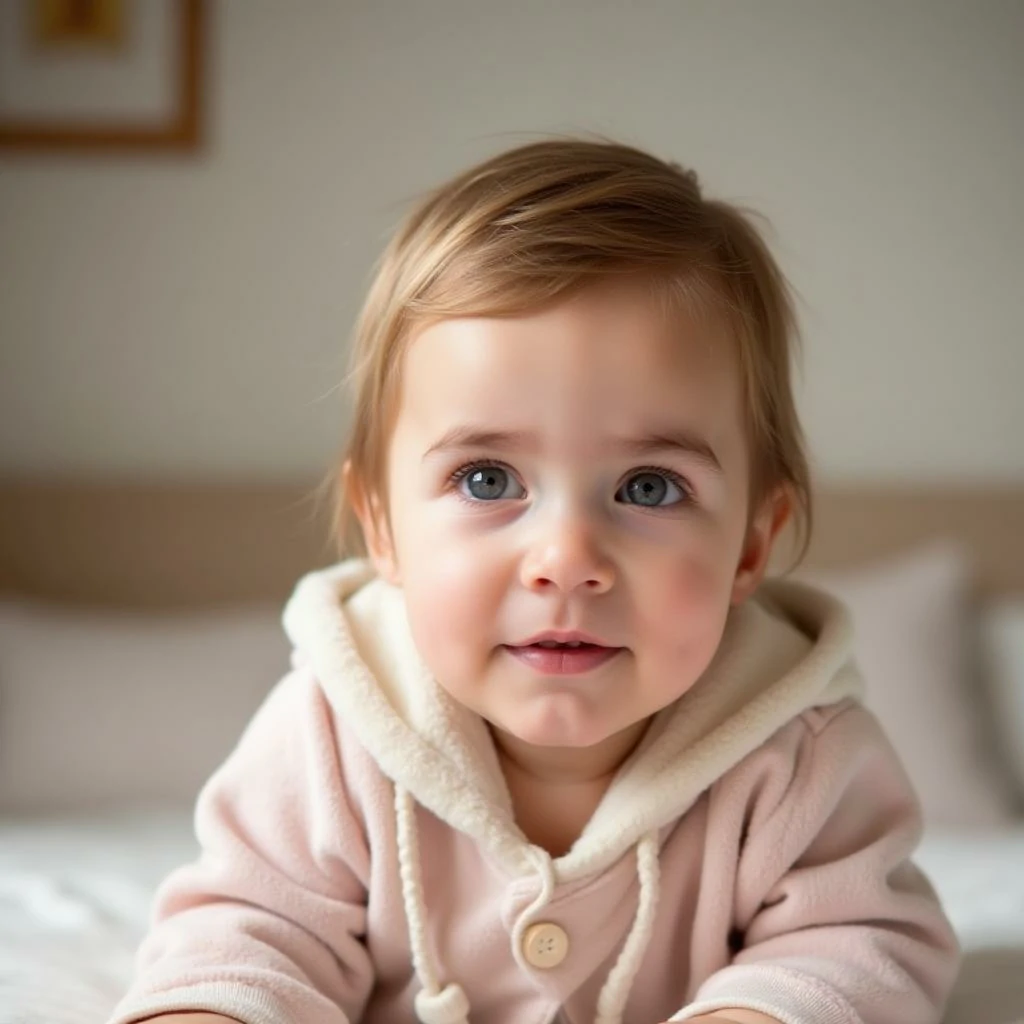
Input
Cài đặt (được sử dụng trong ví dụ này)
Ví dụ 2
Phong cách em bé hoạt hình (ví dụ 2)
cartoon-baby
Cách sử dụng ví dụ này
- 1.Mở công cụ.
- 2.Làm theo đầu vào và cài đặt bên dưới.
- 3.Tải lên đầu vào được hiển thị bên dưới.
- 4.Sử dụng từ khóa (hoặc lời nhắc đầy đủ) và chọn cài đặt.
- 5.Tạo và lặp lại (cắt/ánh sáng/lời nhắc) nếu cần.
Đầu vào
Input
Cài đặt (được sử dụng trong ví dụ này)
Ví dụ 3
Phong cách em bé hoạt hình (ví dụ 3)
cartoon-baby
Cách sử dụng ví dụ này
- 1.Mở công cụ.
- 2.Làm theo đầu vào và cài đặt bên dưới.
- 3.Tải lên đầu vào được hiển thị bên dưới.
- 4.Sử dụng từ khóa (hoặc lời nhắc đầy đủ) và chọn cài đặt.
- 5.Tạo và lặp lại (cắt/ánh sáng/lời nhắc) nếu cần.
Đầu vào
Input
Cài đặt (được sử dụng trong ví dụ này)
Mẹo
- Nền đơn giản thường tạo ra các cạnh hoạt hình sạch hơn.
- Thử nhiều phong cách—một số khuôn mặt trông tốt hơn trong thẩm mỹ nhất định.
- Nếu kết quả trông lộn xộn, thắt chặt cắt xén để tập trung vào khuôn mặt.
Câu hỏi thường gặp
Tôi có thể sử dụng đầu ra làm ảnh đại diện không?▼
Có—xuất hình ảnh và sử dụng cho avatars, hình thu nhỏ hoặc poster.
Ảnh nào hoạt động tốt nhất?▼
Use a sharp, front-facing photo with one clear face and minimal occlusion.
Làm thế nào để có phong cách nhất quán hơn?▼
Giữ một preset phong cách và giữ ánh sáng/nền tương tự trên các đầu vào.
Sẵn sàng tạo?
Mở công cụ và sử dụng lại lời nhắc/cài đặt ở trên.