すべてのガイドに戻る
2026-01-12
写真からAI動画を作成する方法
写真がすでにある場合、画像から動画が最速のパスです。明確な画像を使用し、モーションをシンプルに保ち、ターゲットプラットフォームにアスペクト比を合わせる。
クイックステップ
1分以内で完了できる簡単なチェックリスト。
- 1画像から動画ツールを開く。
- 2明確な写真をアップロード(1つの顔、良好な照明、シンプルな背景)。
- 3短いモーションプロンプトを追加(まばたき、笑顔、小さな頭の動き)。
- 4アスペクト比(Shortsは9:16)と短い時間(5秒から始める)を選択。
- 5生成後、結果が揺れる場合はクロップ/照明を改善。
選択可能なツールオプション
モード:スタンダードプロ
アスペクト比:16:99:16
長さ:5s10s4s / 6s / 8s (Audio mode)
解像度:720p1080p
- サイレント版は画像モーションに焦点。オーディオ版はサウンドを追加(オプションが異なる)。
チュートリアル例(プロンプトと設定付き)
以下の各例は、このガイド用に事前選択されています(ランダムではありません)。
例 1
ストーリーモーション(写真→動画+プロンプト)
Image-to-Videoimage-to-video
この例の使い方
- 1.ツールを開く。
- 2.モードを選択:Image-to-Video.
- 3.以下に示す入力ファイルをアップロード。
- 4.キーワード(または完全なプロンプト)を使用し、設定を選択。
- 5.生成し、必要に応じて調整(トリミング/照明/プロンプト)。
入力
.webp)
Image
プロンプトキーワード
In the picturea child and a bird are playing happilyThe bird flies onto the child's handand the child reaches out to catch itlaughing joyfully
完全なプロンプトを表示(コピー)
In the picture, a child and a bird are playing happily. The bird flies onto the child's hand, and the child reaches out to catch it, laughing joyfully.
設定(この例で使用)
例 2
単一画像アニメーション(写真→動画)
Image-to-Videoimage-to-video
この例の使い方
- 1.ツールを開く。
- 2.モードを選択:Image-to-Video.
- 3.以下に示す入力ファイルをアップロード。
- 4.キーワード(または完全なプロンプト)を使用し、設定を選択。
- 5.生成し、必要に応じて調整(トリミング/照明/プロンプト)。
入力
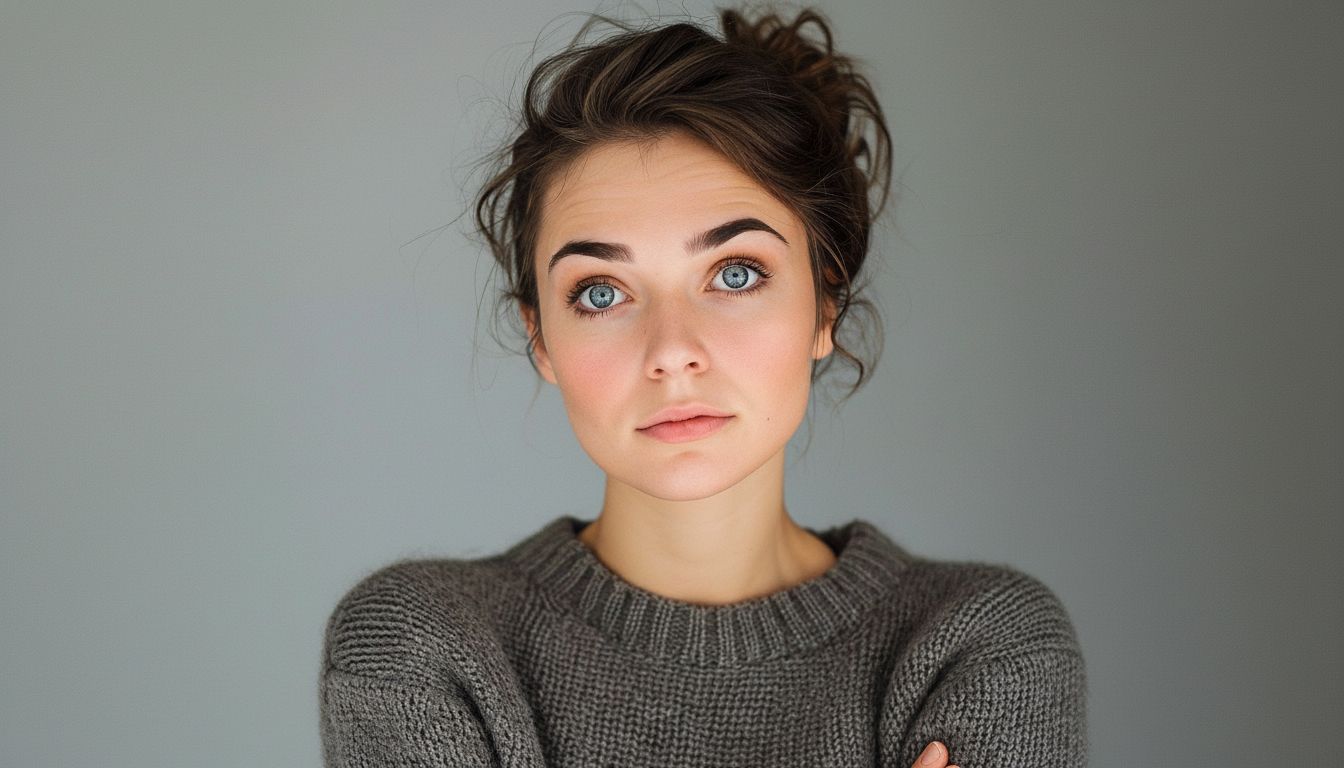
Image
設定(この例で使用)
ヒント
- 揺れを減らすためにフレームに肩を含める。
- 顔を覆う手と忙しい背景を避ける。
- シンプルなモーションプロンプトを使用—複雑な振り付けはアーティファクトを増やす。
よくある質問
画像から動画にプロンプトを書く必要がありますか?▼
短いモーションプロンプトが役立つことが多いですが、なくても強い写真からシンプルな動きを生成できます。
なぜ出力が揺れて見えるのですか?▼
通常、低品質の入力またはタイトなクロップから来ます。より明確な写真を使用し、肩を含める。
どのアスペクト比を使用すべきですか?▼
Use 9:16 for Shorts/TikTok. Match your target platform to avoid re-cropping later.
生成する準備はできましたか?
ツールを開いて、上記のプロンプト/設定を再利用してください。