すべてのガイドに戻る
2026-01-12
AI背景リムーバー
背景の削除は、きれいな被写体のエッジと良好なコントラストで最も簡単です。高品質の入力画像を使用し、必要に応じて透明度のためにPNGとしてエクスポート。
クイックステップ
1分以内で完了できる簡単なチェックリスト。
- 1背景削除ツールを開く。
- 2画像をアップロード(明確な被写体のエッジ、良好な照明)。
- 3背景を削除してエッジを確認(髪と手は最もクリーンな入力が必要)。
- 4オプション:新しい画像で背景を置換。
- 5ダウンロード(透明度が必要な場合はPNGを推奨)。
選択可能なツールオプション
モード:背景を削除背景を置換
アスペクト比:1:12:33:23:44:34:55:49:1616:921:9
フォーマット:PNGJPG
- アスペクト比とフォーマットは置換モードで適用。
チュートリアル例(プロンプトと設定付き)
以下の各例は、このガイド用に事前選択されています(ランダムではありません)。
例 1
背景除去(例)
remove-bg
この例の使い方
- 1.ツールを開く。
- 2.以下の入力と設定に従ってください。
- 3.以下に示す入力ファイルをアップロード。
- 4.キーワード(または完全なプロンプト)を使用し、設定を選択。
- 5.生成し、必要に応じて調整(トリミング/照明/プロンプト)。
入力
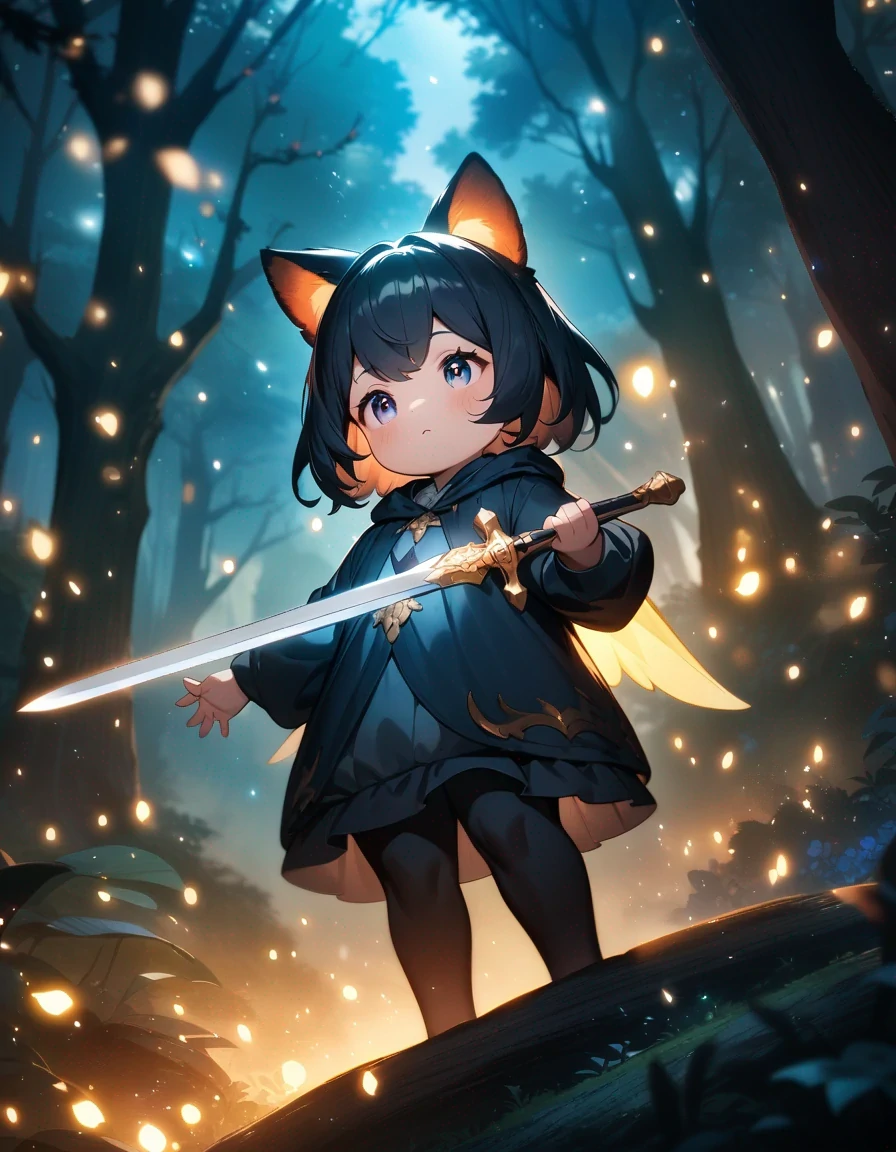
Input
設定(この例で使用)
例 2
背景置換(例)
remove-bg
この例の使い方
- 1.ツールを開く。
- 2.以下の入力と設定に従ってください。
- 3.以下に示す入力ファイルをアップロード。
- 4.キーワード(または完全なプロンプト)を使用し、設定を選択。
- 5.生成し、必要に応じて調整(トリミング/照明/プロンプト)。
入力
Subject
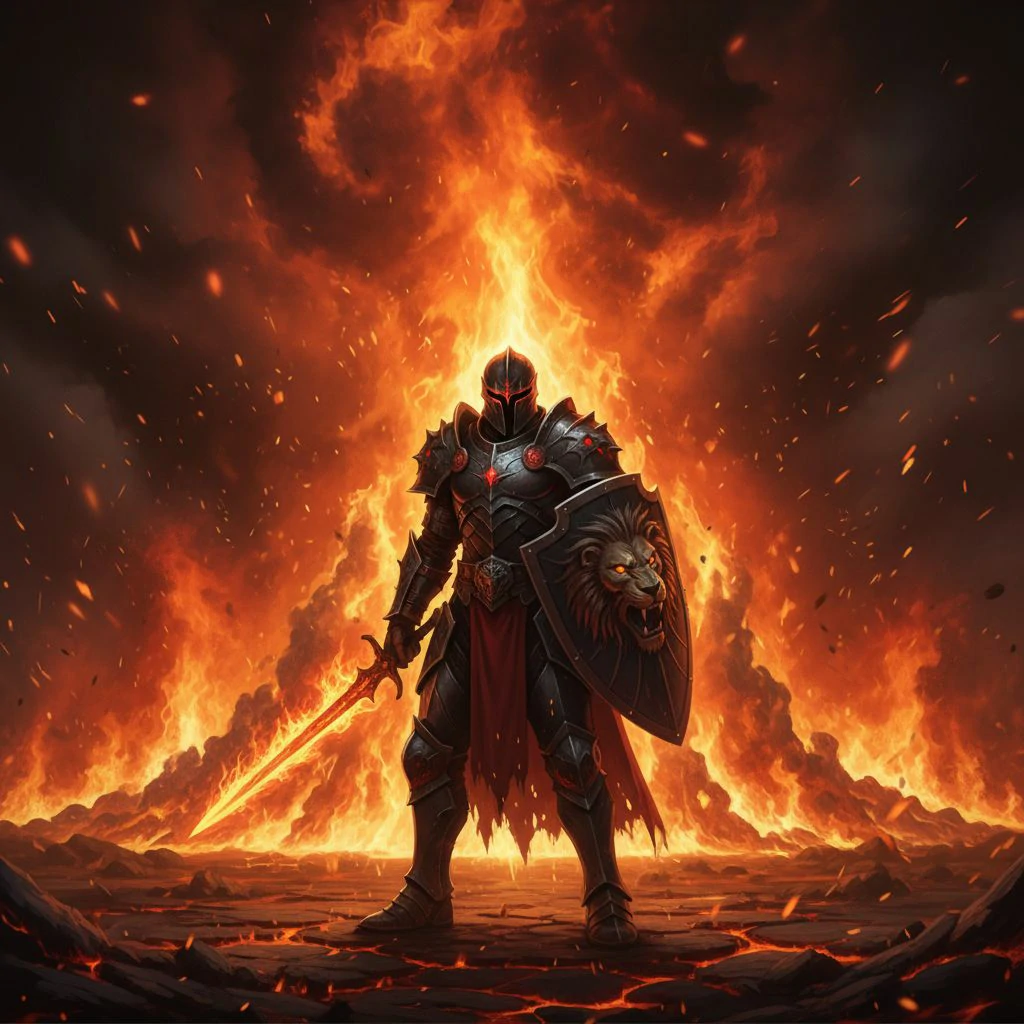
Background
設定(この例で使用)
ヒント
- 高コントラスト画像を使用(被写体が背景から明確に分離)。
- モーションブラーと非常に低解像度の画像を避ける。
- エッジがギザギザに見える場合は、より高品質の入力またはよりクリーンな照明を試す。
よくある質問
どのファイルタイプをダウンロードすべきですか?▼
PNG is best when you need transparency. Use JPG if you’re placing it on a solid background.
なぜ髪のエッジが乱雑に見えるのですか?▼
髪は最も難しいエッジケースです。より良い照明と背景の乱雑さを減らした高解像度の入力を使用。
背景も置換できますか?▼
はい—置換オプションを使用し、最も自然な結果のためにきれいな背景を選択。
生成する準備はできましたか?
ツールを開いて、上記のプロンプト/設定を再利用してください。