모든 가이드로 돌아가기
2026-01-12
사진에서 AI 영상 만드는 방법
이미지-투-비디오는 이미 사진이 있을 때 가장 빠른 경로입니다. 명확한 이미지를 사용하고, 동작을 단순하게 유지하며, 타겟 플랫폼에 화면 비율을 맞추세요.
빠른 단계
1분 이내에 완료할 수 있는 빠른 체크리스트.
- 1이미지 투 비디오 도구를 엽니다.
- 2선명한 사진 업로드 (하나의 얼굴, 좋은 조명, 단순한 배경).
- 3짧은 동작 프롬프트 추가 (눈 깜빡임, 미소, 작은 고개 돌림).
- 4화면 비율 선택 (Shorts용 9:16) 및 짧은 재생 시간 (5초로 시작).
- 5생성 후 결과가 흔들리면 크롭/조명 개선.
선택 가능한 도구 옵션
모드:스탠다드프로
화면 비율:16:99:16
길이:5s10s4s / 6s / 8s (Audio mode)
해상도:720p1080p
- 무음 버전은 이미지 모션에 집중. 오디오 버전은 소리 추가 (옵션 다름).
튜토리얼 예제(프롬프트 및 설정 포함)
아래의 각 예제는 이 가이드를 위해 미리 선택되었습니다(무작위 아님).
예제 1
스토리 모션 (사진 → 영상 + 프롬프트)
Image-to-Videoimage-to-video
이 예제 사용 방법
- 1.도구를 엽니다.
- 2.모드 선택: Image-to-Video.
- 3.아래에 표시된 입력 파일을 업로드하세요.
- 4.키워드(또는 전체 프롬프트)를 사용하고 설정을 선택하세요.
- 5.생성하고 필요에 따라 반복하세요 (자르기/조명/프롬프트).
입력
.webp)
Image
프롬프트 키워드
In the picturea child and a bird are playing happilyThe bird flies onto the child's handand the child reaches out to catch itlaughing joyfully
전체 프롬프트 보기 (복사)
In the picture, a child and a bird are playing happily. The bird flies onto the child's hand, and the child reaches out to catch it, laughing joyfully.
설정 (이 예제에서 사용)
예제 2
단일 이미지 애니메이션 (사진 → 영상)
Image-to-Videoimage-to-video
이 예제 사용 방법
- 1.도구를 엽니다.
- 2.모드 선택: Image-to-Video.
- 3.아래에 표시된 입력 파일을 업로드하세요.
- 4.키워드(또는 전체 프롬프트)를 사용하고 설정을 선택하세요.
- 5.생성하고 필요에 따라 반복하세요 (자르기/조명/프롬프트).
입력
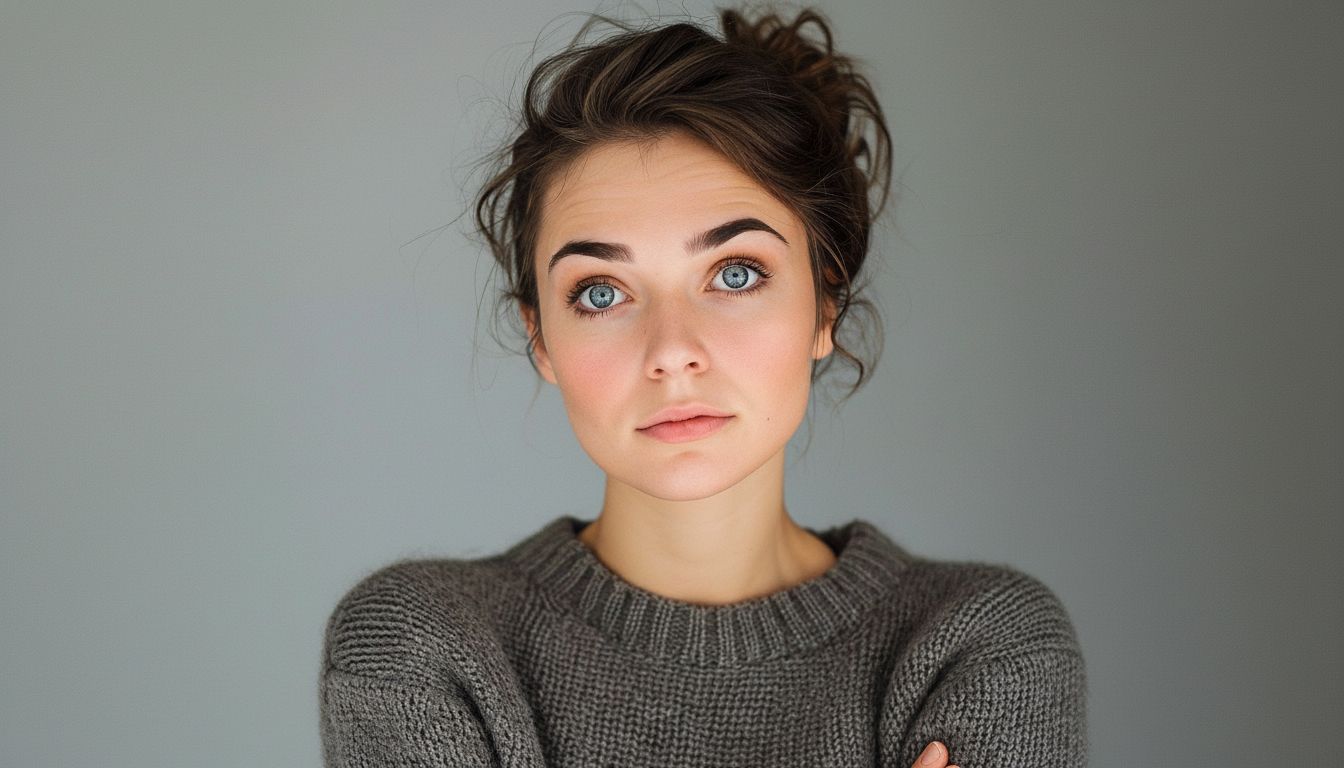
Image
설정 (이 예제에서 사용)
팁
- 흔들림을 줄이기 위해 프레임에 어깨 포함.
- 얼굴을 가리는 손과 복잡한 배경을 피하세요.
- 단순한 동작 프롬프트를 사용하세요—복잡한 안무는 아티팩트를 증가시킵니다.
자주 묻는 질문
이미지-투-비디오에 프롬프트를 작성해야 하나요?▼
종종 짧은 동작 프롬프트가 도움이 되지만, 없어도 강력한 사진에서 간단한 움직임을 생성할 수 있습니다.
출력이 흔들려 보이는 이유는?▼
일반적으로 저품질 입력이나 타이트한 크롭에서 발생합니다. 더 선명한 사진을 사용하고 어깨를 포함하세요.
어떤 화면 비율을 사용해야 하나요?▼
Use 9:16 for Shorts/TikTok. Match your target platform to avoid re-cropping later.
생성할 준비가 되셨나요?
도구를 열고 위의 프롬프트/설정을 재사용하세요.