Back to all guides
2026-01-12
AI Face Swap Video
Face swap works best with clean inputs: a clear source video and a sharp face image. Keep angles similar and avoid heavy blur.
Quick Steps
A fast checklist you can follow in under a minute.
- 1Open the Face Swap tool.
- 2Upload a source video (the video you want to modify).
- 3Upload a clear face image (front-facing, good lighting).
- 4Generate and review the result.
- 5If it looks off, use a sharper face image and a cleaner source video.
Tool options you can choose
Modes:VideoImage
- Video is limited to 30s.
- No aspect ratio setting (keeps source).
Tutorial Examples (with prompts & settings)
Each example below is pre-selected for this guide (not random).
Example 1
Face swap in video (9:16)
face-swap
How to use this example
- 1.Open the tool.
- 2.Follow the inputs & settings below.
- 3.Upload the inputs shown below.
- 4.Use the keywords (or full prompt) and pick settings.
- 5.Generate and iterate (crop/lighting/prompt) if needed.
Inputs
Source
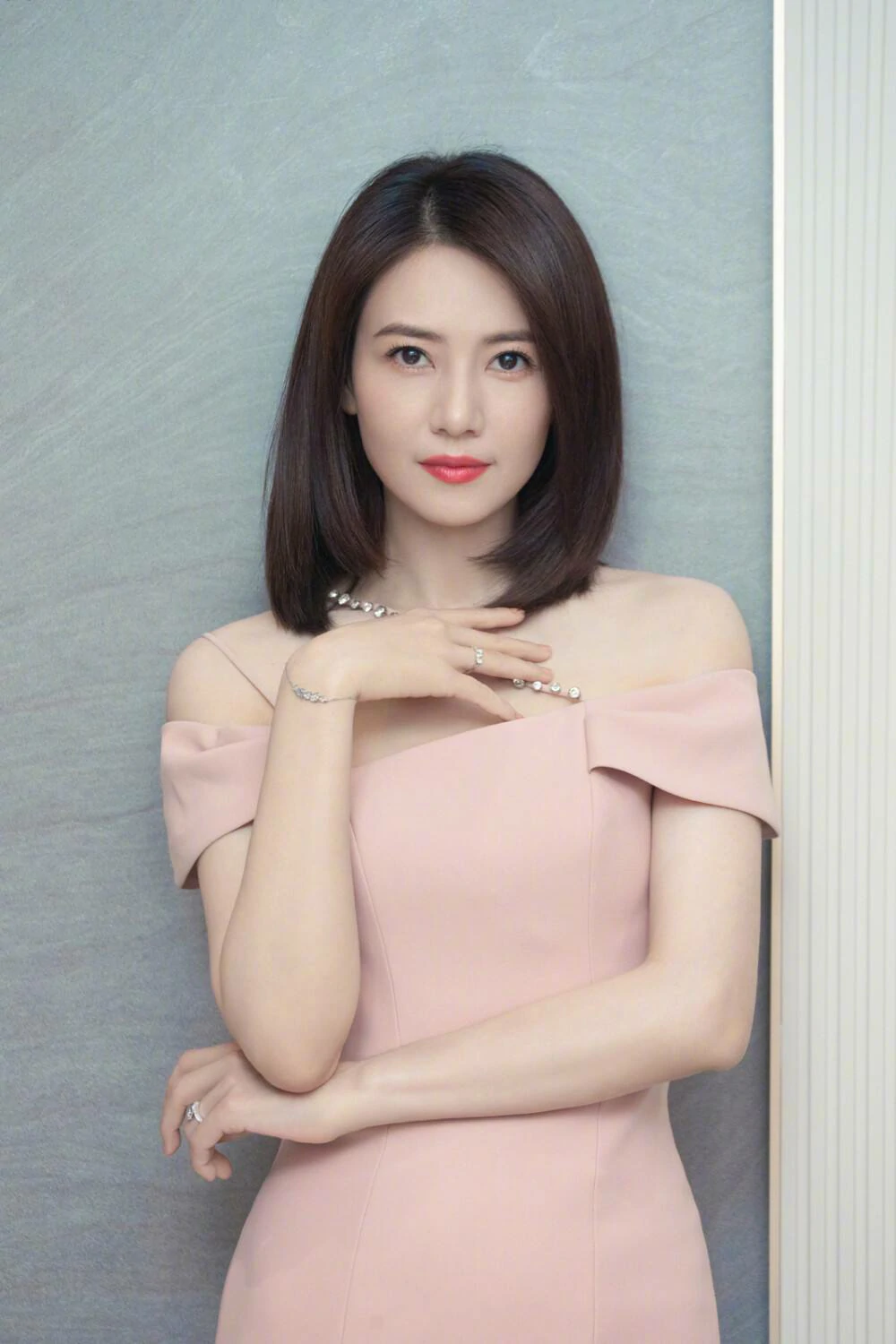
Face
Settings (used in this example)
Aspect ratio
9:16
Example 2
Face swap in image (1:1)
face-swap
How to use this example
- 1.Open the tool.
- 2.Follow the inputs & settings below.
- 3.Upload the inputs shown below.
- 4.Use the keywords (or full prompt) and pick settings.
- 5.Generate and iterate (crop/lighting/prompt) if needed.
Inputs

Target
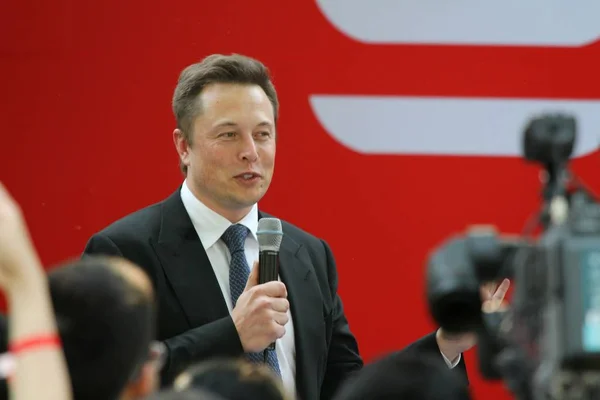
Face
Settings (used in this example)
Aspect ratio
1:1
Tips
- Choose a face image with similar angle/lighting to the source video.
- Avoid motion blur and very low-resolution inputs.
- If artifacts appear, simplify the source clip and try a shorter segment.
FAQ
Why does the swapped face look distorted?▼
It’s usually caused by low-quality face images, extreme angles, or motion blur. Use a sharper face image and a cleaner clip.
Can I face swap in images too?▼
Yes—many workflows support both video and image swapping. Start with the simplest case first.
What’s the best aspect ratio?▼
Use the same ratio as your source video (9:16 for vertical content).
Ready to generate?
Open the tool and reuse the prompts/settings above.