AI Baby Singing Videos: Turn a Photo Into a Singing Baby Clip (Step-by-Step + Best Audio Tips)
AI Baby Singing Videos: Turn a Photo Into a Singing Baby Clip (Step-by-Step + Best Audio Tips)
Singing videos have a built-in advantage in short-form: they loop naturally. A catchy hook repeats, the beat resets, and viewers watch “just one more time” without thinking. Combine that loop power with one of the most shareable characters on the internet—an adorable baby—and you get a format that’s instantly understandable, emotionally sticky, and easy to send to friends.
That’s why AI baby singing videos are showing up everywhere. You don’t need filming, choreography, or editing. With one clear baby photo and a hooky audio clip, you can create a singing baby video that feels made for TikTok, Reels, and Shorts—fast.
In this guide, you’ll learn how to:
- choose a baby photo that animates well
- pick audio that makes the result watchable (not just “animated”)
- structure captions and timing for better completion and replay
- troubleshoot common issues quickly
- post with a simple checklist so your clip is ready to share
What is an AI baby singing video?
An AI baby singing video is a short clip where a baby photo appears to “sing” along to an audio track. The goal is not perfect realism. The goal is vibe:
- the baby looks cute and expressive
- the motion feels synced enough to sell the illusion
- the audio hook is strong
- the final clip is short and replayable
This format performs because it’s built on contrast:
A tiny baby face delivering a dramatic chorus or funny lyric feels surprising—and surprise drives shares.
Why singing baby clips get replayed (and why that matters)
Short-form platforms reward a few signals more than almost anything else:
- completion rate (people finish the video)
- replays / loops (people watch again)
- shares (people send it to friends)
- comments (people react or tag someone)
Singing formats naturally support all four:
- Music already has structure (hook → chorus → hook)
- People expect repetition (replaying a song line feels normal)
- It’s instantly understood (no context needed)
- It sparks fast reactions (“too cute,” “I can’t,” “tagging my friend”)
If you want a repeatable content type that’s friendly for new accounts, singing baby clips are a strong bet.
What you need (simple checklist)
You only need two inputs.
1) A baby photo
Photo quality matters more than most people expect. A “good” photo leads to smoother facial motion and fewer weird artifacts.
Best photo characteristics:
- clear, front-facing face
- good lighting (soft indoor light or daylight)
- high resolution (avoid heavy blur)
- minimal occlusion (no hands covering mouth, no big pacifier)
- simple background (less visual noise helps)
2) An audio track
Audio is the difference between “a cool demo” and “a clip people replay.”
Best audio characteristics:
- a strong hook in the first 1–2 seconds
- clear vocals (easier to sell the lip sync)
- short segment (8–15 seconds works great)
- clean beat (helps timing and captions)
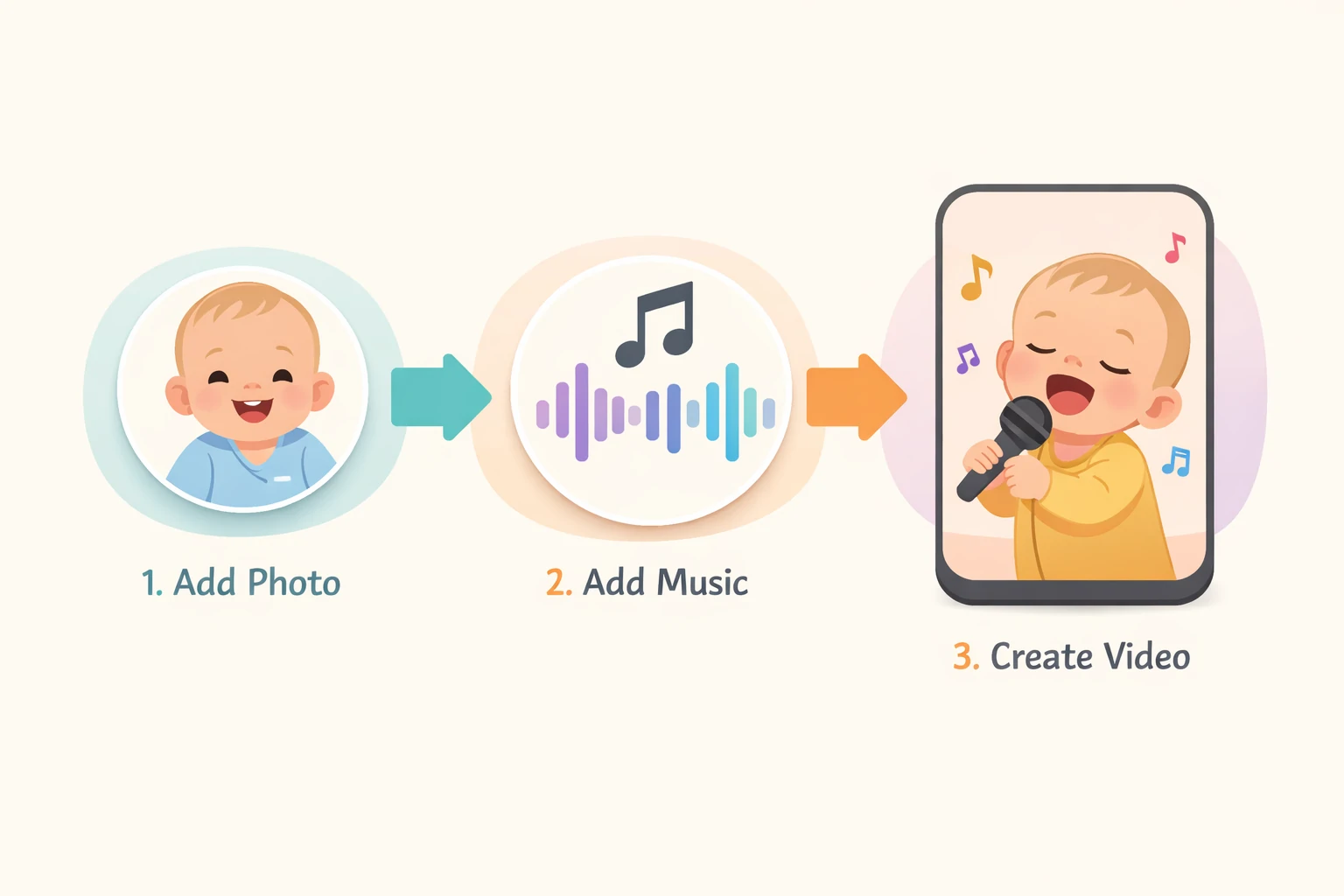
Step-by-step: how to make an AI baby singing video
This workflow is designed to produce a clip you can post immediately.
Step 1: Pick one goal for the video
A common mistake is trying to do everything at once (funny + sentimental + promotional). The best short-form clips do one thing clearly.
Choose one:
- Cute: wholesome, heart-melting
- Funny: lyric contrast + baby face
- Relatable: “this is me” energy
- Celebration: birthdays, holidays, milestones
Step 2: Choose the right photo (the 3-second test)
Open the photo and ask:
- Can I clearly see the mouth and eyes?
- Is the face big enough in the frame?
- Would this image still look cute as a thumbnail?
If the answer is “no,” pick another. Thumbnails matter.
Step 3: Choose audio that fits the baby vibe
You can use any genre, but the easiest wins are:
- playful, bright vocals
- upbeat pop hooks
- simple choruses people recognize quickly
- cheerful, family-friendly tracks
Pro tip: Use the most recognizable one line instead of the entire chorus. Short-form is about instant payoff.
Step 4: Keep it short (8–15 seconds is the sweet spot)
For most accounts, 8–15 seconds performs better than 25–40 seconds because:
- completion rate is easier to achieve
- replays happen more often
- no editing is necessary
Step 5: Add captions that match the beat
Captions aren’t just accessibility—they’re pacing. Keep them short and intentional.
High-performing caption styles:
- one big hook line: “When your baby starts a music career…”
- lyric highlight: emphasize the funniest lyric line
- reaction caption: “I’m not okay 😭🎤”
- tag prompt: “Tag someone who would replay this 10 times”
Step 6: Export with short-form specs
If you’re posting to TikTok/Reels/Shorts:
- vertical video is ideal
- avoid tiny text
- keep the baby face large and centered
Audio choices that make your clip feel shareable
If your results look fine but performance is weak, your audio might be the issue. These audio categories often work best:
1) Recognizable hooks
People replay what they recognize. Use a short, iconic line.
2) Cute, bright vocal tones
A cheerful vocal tone matches the baby aesthetic.
3) Comedic contrast
Choose lyrics that become funny when paired with a baby face—without being inappropriate.
4) Family-friendly classics
If your audience includes parents, wholesome tracks perform well and reduce moderation risk.
Rule of thumb: If the first 2 seconds don’t hook, pick different audio.
Three repeatable content styles you can turn into a series
Consistency beats randomness. Here are three formats you can run weekly.
Format A: “Baby’s first concert”
Caption ideas:
- “My baby is headlining tonight.”
- “Born with stage presence…”
Format B: “Baby reacts to adult life”
Pair a dramatic line with a baby face. Caption ideas:
- “Me checking my bank account.”
- “When you realize tomorrow is Monday.”
Format C: “Occasion clips” (evergreen)
Birthdays, holidays, thank-yous, congratulations. Caption ideas:
- “Happy Birthday from the tiniest singer.”
- “A holiday greeting, but make it adorable.”
Caption templates (copy/paste)
- “I can’t believe this is a photo… 😭🎤”
- “When your baby discovers music…”
- “Okay but why is the lip sync so good?”
- “This chorus was made for a baby face.”
- “Tag someone who would replay this 10 times.”
- “If this doesn’t make you smile, I don’t know what will.”
- “POV: your baby is the main character.”
- “New family anthem unlocked.”
Troubleshooting: quick fixes for common issues
Problem: Mouth movement looks off
Try:
- a clearer, more front-facing photo
- audio with cleaner vocals
- a shorter segment (avoid very fast lyrics)
Problem: Face looks unnatural or too stiff
Try:
- softer lighting
- a relaxed expression
- avoid extreme angles (side profiles are harder)
Problem: It’s cute but doesn’t get views
Try:
- a stronger audio hook
- a shorter duration
- a more direct caption (less generic)
- a thumbnail-friendly first frame (big, clear baby face)
Problem: Text is hard to read
Try:
- fewer words
- larger font
- place text above the face area (don’t cover eyes/mouth)
Safety + privacy notes
If you’re using real baby photos:
- use photos you own or have permission to use
- avoid sharing sensitive personal information (full name, address, medical context)
- consider using non-identifying backgrounds (no location clues)
For client or brand projects, get written consent for any real-person images.
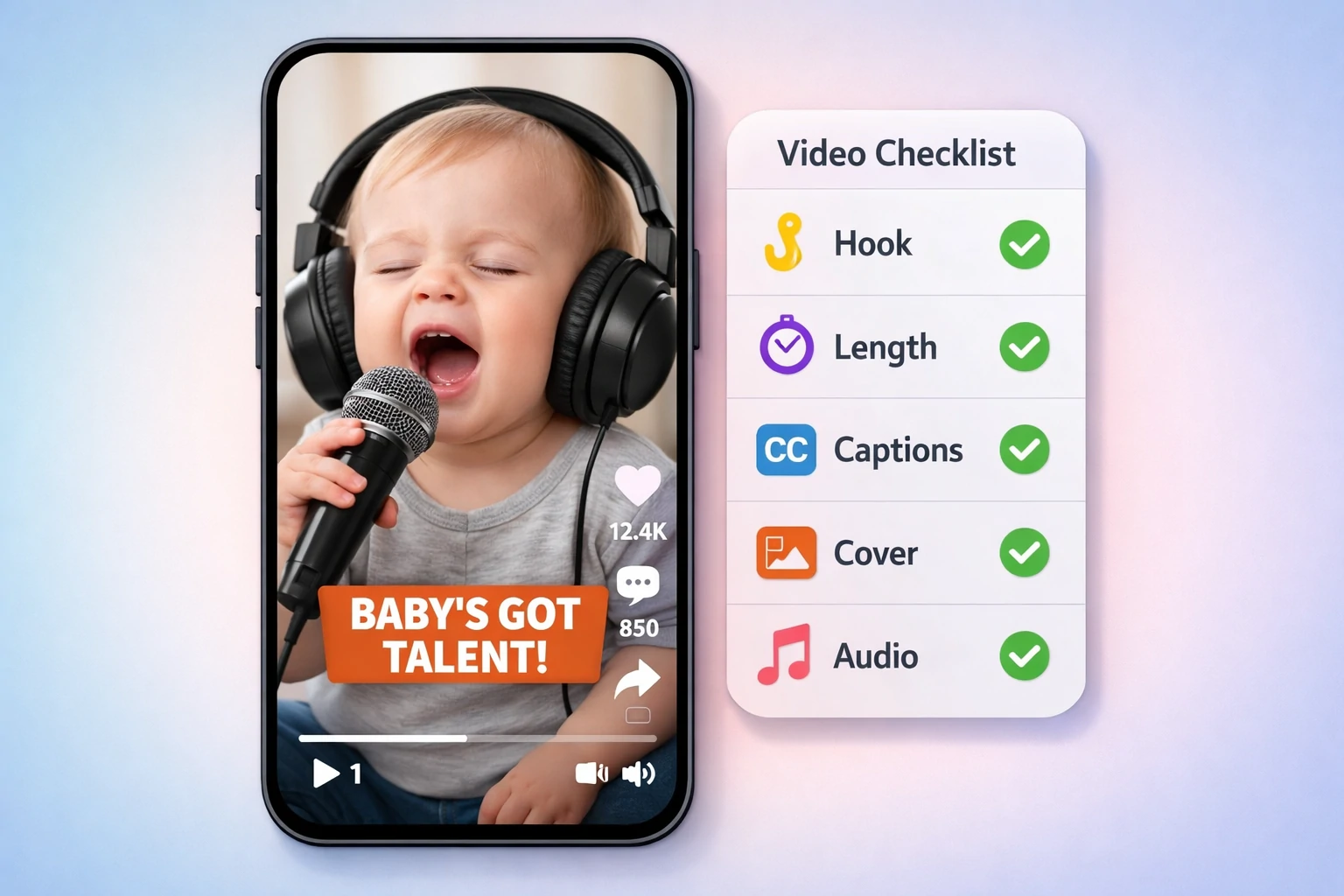
Posting checklist (ready-to-share test)
Before you post, check:
- Hook: Does the first second make sense without context?
- Face: Is the baby face large enough to recognize instantly?
- Length: Is it under 15 seconds (or intentionally longer)?
- Caption: Does it guide the viewer (reaction, joke, or prompt)?
- Cover: Would someone tap this from the grid?
- Audio: Is volume balanced (not too quiet)?
Final thoughts
AI baby singing videos are one of the easiest ways to create “loopable cute” content:
- fast to create
- easy to understand
- naturally replayable
- friendly for both families and creators
Start simple:
- choose one clear photo
- pick a hooky 8–12 second audio segment
- use one short caption template
- post consistently for a week
Your first clip doesn’t need to be perfect. It just needs to be cute enough to share—and short enough to replay.