BabyVideo.ai: Create Cute AI Baby Videos From Photos & Text
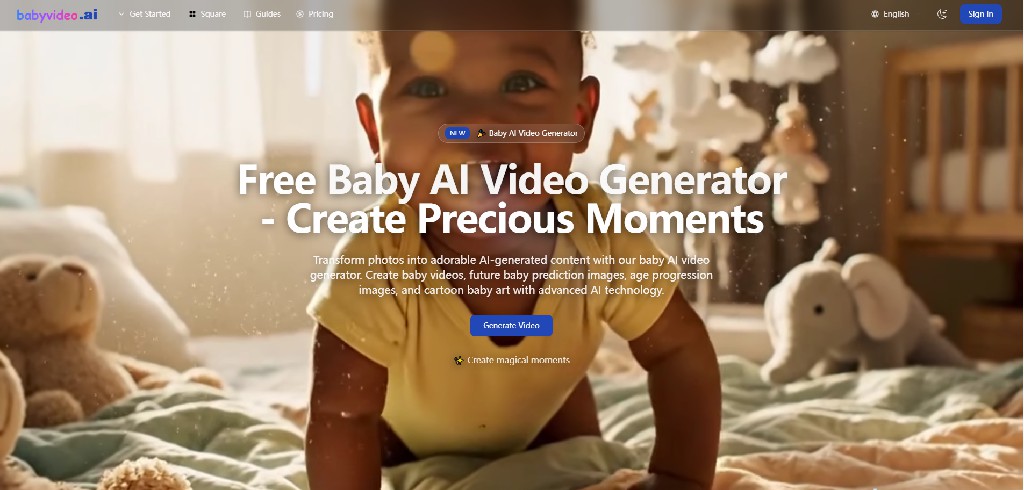
Welcome to BabyVideo.ai — a tiny studio for cute family videos
Some moments deserve more than a static photo.
A grin that lasts half a second. A sleepy blink. That “look” a baby makes right before laughing. We take thousands of pictures, but the feeling is always in motion—so I wanted a way to bring that motion back.
That’s how BabyVideo.ai started: a simple idea to help anyone create adorable baby-style videos from a photo or a short text prompt, without editing skills and without spending hours.
If you’re new here, welcome. This is our first blog post, and it’s a doorway into what we’re building—and why.
What is BabyVideo.ai?
BabyVideo.ai is an AI baby video generator that helps you turn:
- Photos → cute baby-style videos, ready to share
- Text prompts → playful baby scenes, like “a baby astronaut waving on the moon”
The goal is not to replace creativity. It’s to remove the friction that stops people from creating.
When the workflow is simple, you try more ideas. When you try more ideas, you find the ones that feel magical.
Why “cute” is a real product goal
Cute is easy to underestimate.
But “cute that people actually want to share” is a combination of:
- warmth and expression
- a friendly style that doesn’t feel uncanny
- simple steps that don’t interrupt the fun
- output that works for social sharing (Reels / Shorts / TikTok)
BabyVideo.ai is designed around that exact feeling: lightweight joy.
Who is this for?
Parents & families
Make a moving memory from a favorite photo. Share something sweet with grandparents. Turn milestones into little videos you’ll want to keep.
Creators
If you make short-form content, you know speed matters. BabyVideo.ai helps you generate cute clips fast so you can test ideas, iterate, and post consistently.
Anyone who just wants a smile
Sometimes you don’t need a “serious” tool. You need something that makes your day better.
How to get better results (without overthinking)
A few small tips that help:
-
Use clear photos
Good lighting and a visible face usually improves consistency. -
Describe one scene
Try prompts like:
“a baby chef making pancakes, cozy kitchen, cute style”
or
“a baby panda dancing in the rain, playful and bright” -
Iterate once or twice
Small changes like “close-up”, “soft pastel”, or “smiling” can shift the output a lot.
What we’ll build next
BabyVideo.ai is early, and we’re improving quickly. The priorities are:
- more consistent video quality
- more creative styles (without making the UI complicated)
- better in-product guidance so anyone can get great results
- a smoother “generate → share” loop
This blog will document the journey: launches, experiments, lessons learned, and the fun stuff users create.
Try it, and tell me what you think
If you make something you love—or something that feels off—please share feedback. It genuinely shapes what we build next.
Create your first baby-style video here: https://babyvideo.ai
Follow updates: https://x.com/Babyvideoai
Thanks for being here at the beginning.