Baby Shower Invitation Maker
Inspirations
A theme that feels like you
Baby shower invitation styles,
made personal with your photo
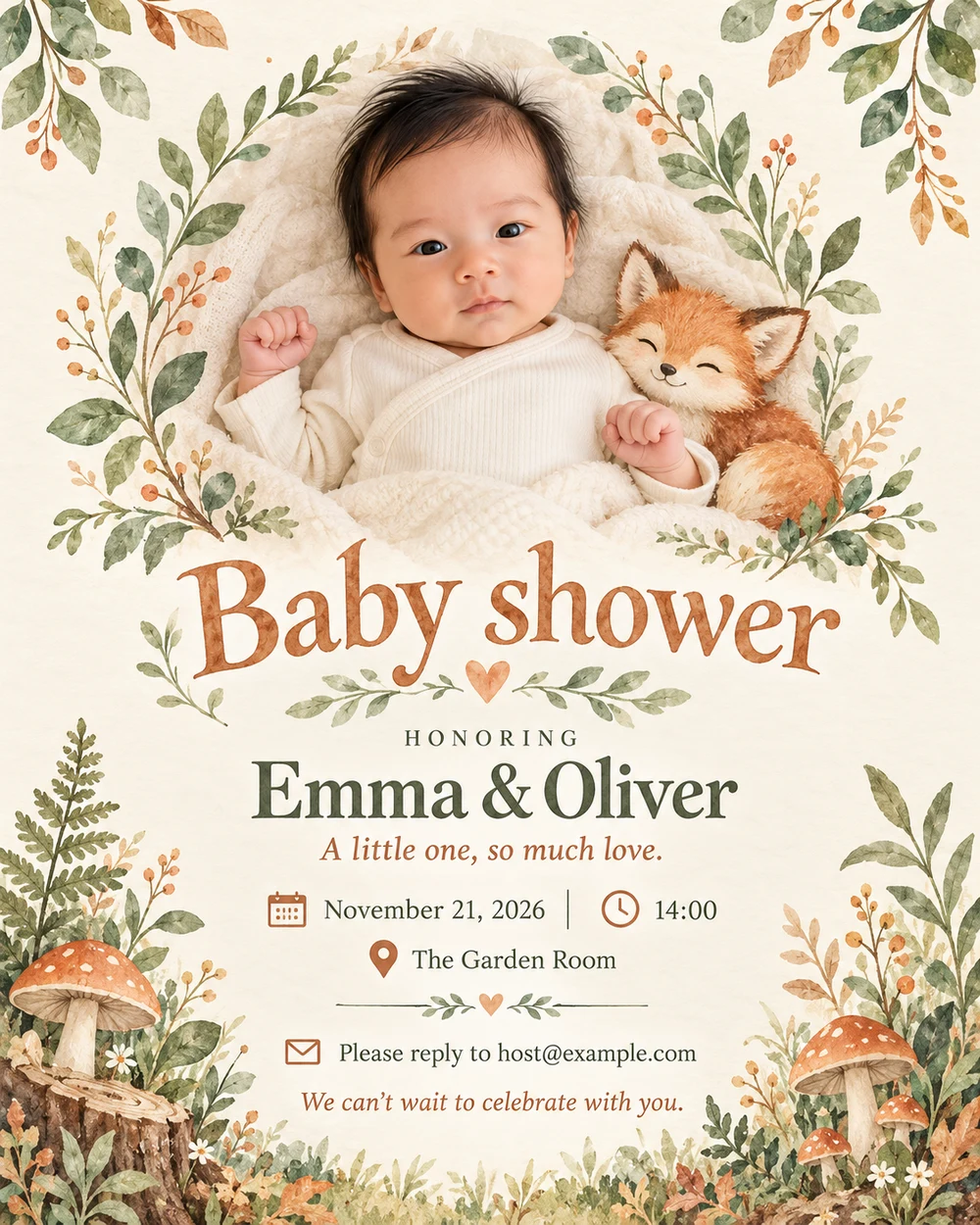
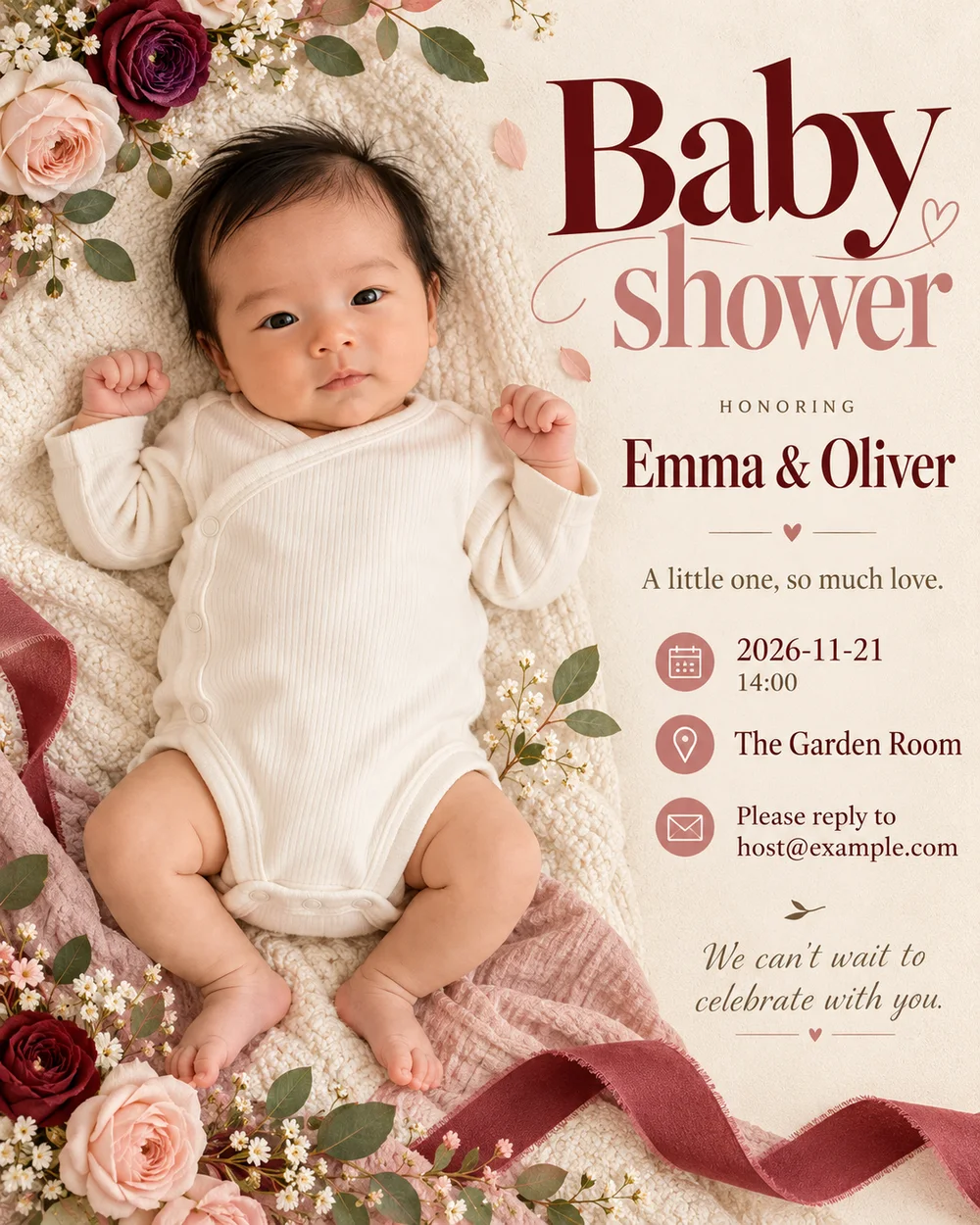
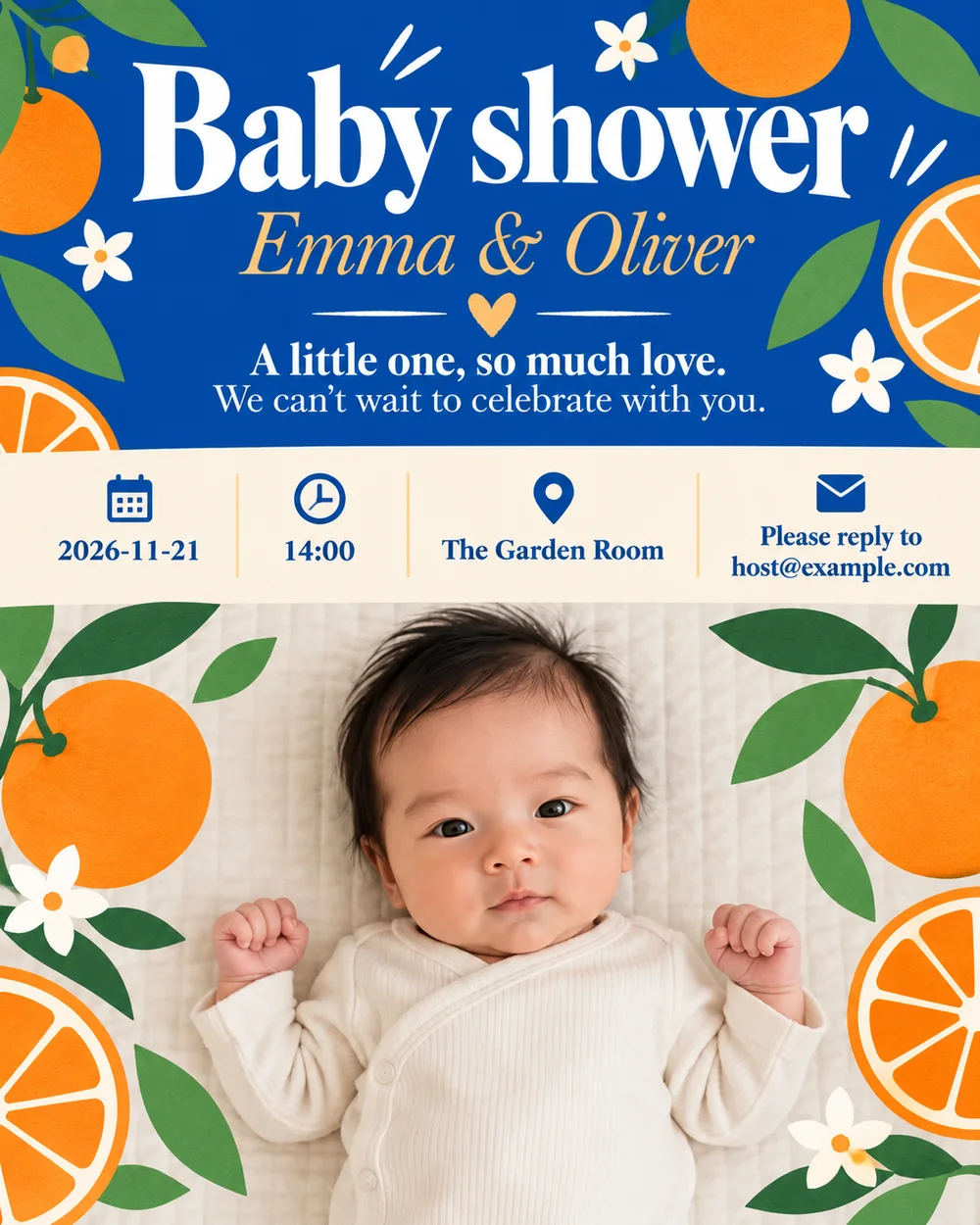
Woodland animals, soft florals, little stars or something wonderfully simple. Let AI choose the design, or use these styles as inspiration. Your photo and words shape an original invitation.
A little sunshine
Our little star
Naturally lovely
A little inspiration, if you want it
Choose a mood, or leave the design to AI.
A little more personal,
with your photo.
Bring a baby photo, an ultrasound or a picture of the parents-to-be. Your photo, message and event details become one complete design, with a composition created around them.
Add my photo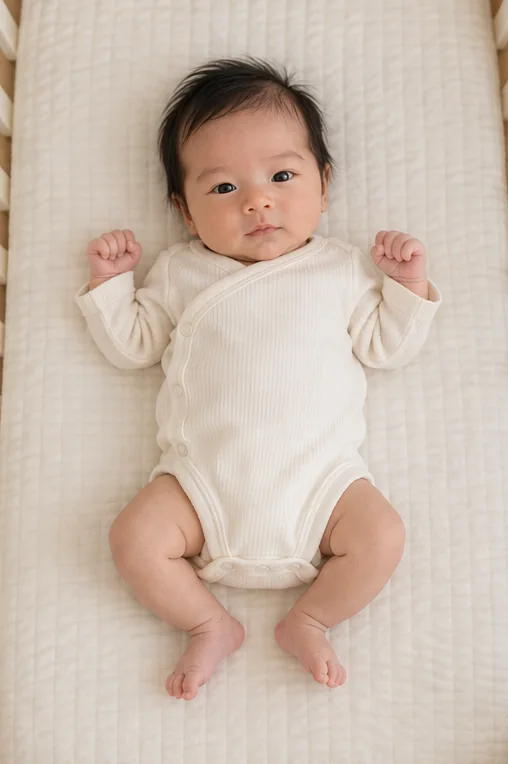
The words are yours
Your celebration.
Your words and style.
Write the message you want your guests to read. Add your event details and describe a look you love; the AI designs the lettering, decorations and photo together.
- Names, dates and RSVP are included in the design
- Let AI design, or add your own visual preferences
- Review the complete image before sending
A few words to get you started
Find your baby shower invitation wording
Choose an opening line, then add names, the date, a location and a way to reply.
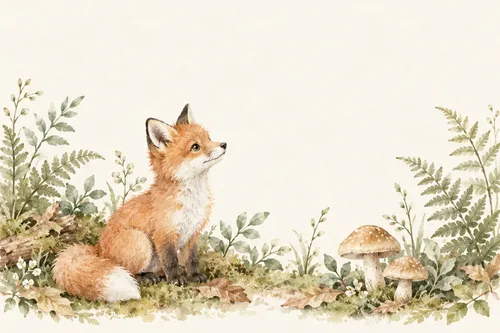
A classic welcome
“Please join us as we celebrate a little one on the way.”
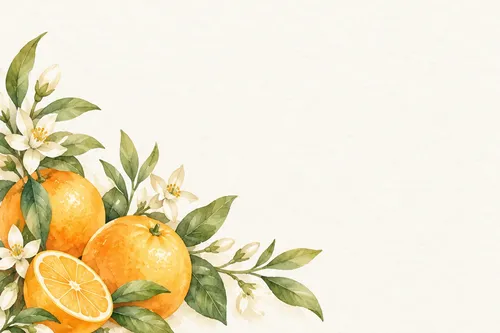
Celebrating together
“Family and friends, join us for a joyful new beginning.”
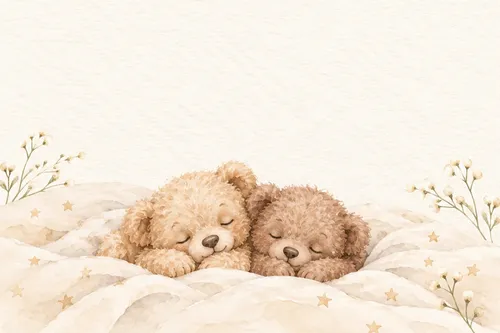
Twice the joy
“Two little ones. One lovely celebration.”
Across the miles
“Near or far, join us in welcoming our little one.”
From your screen to their calendar
A card to send.
A moment to celebrate.
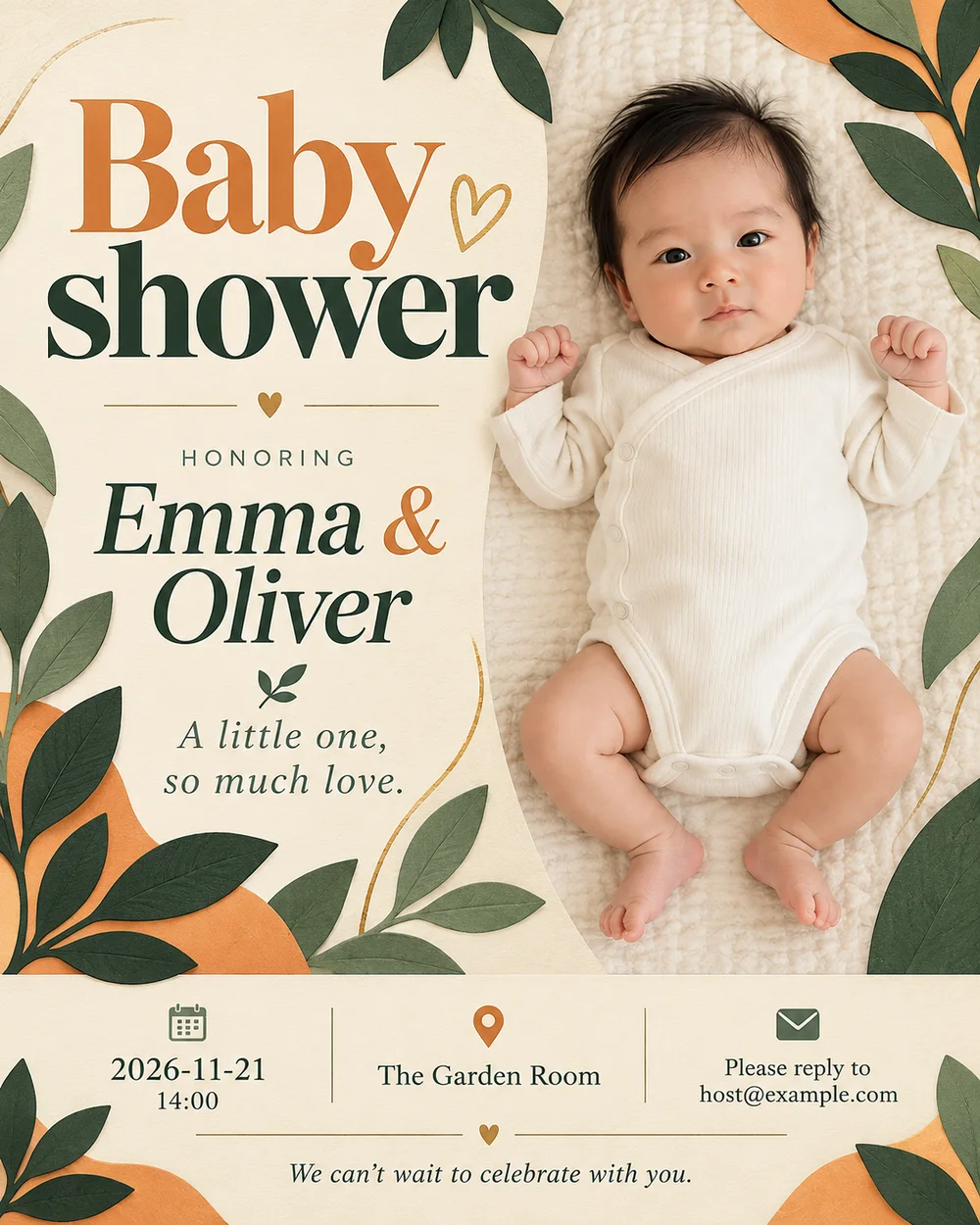
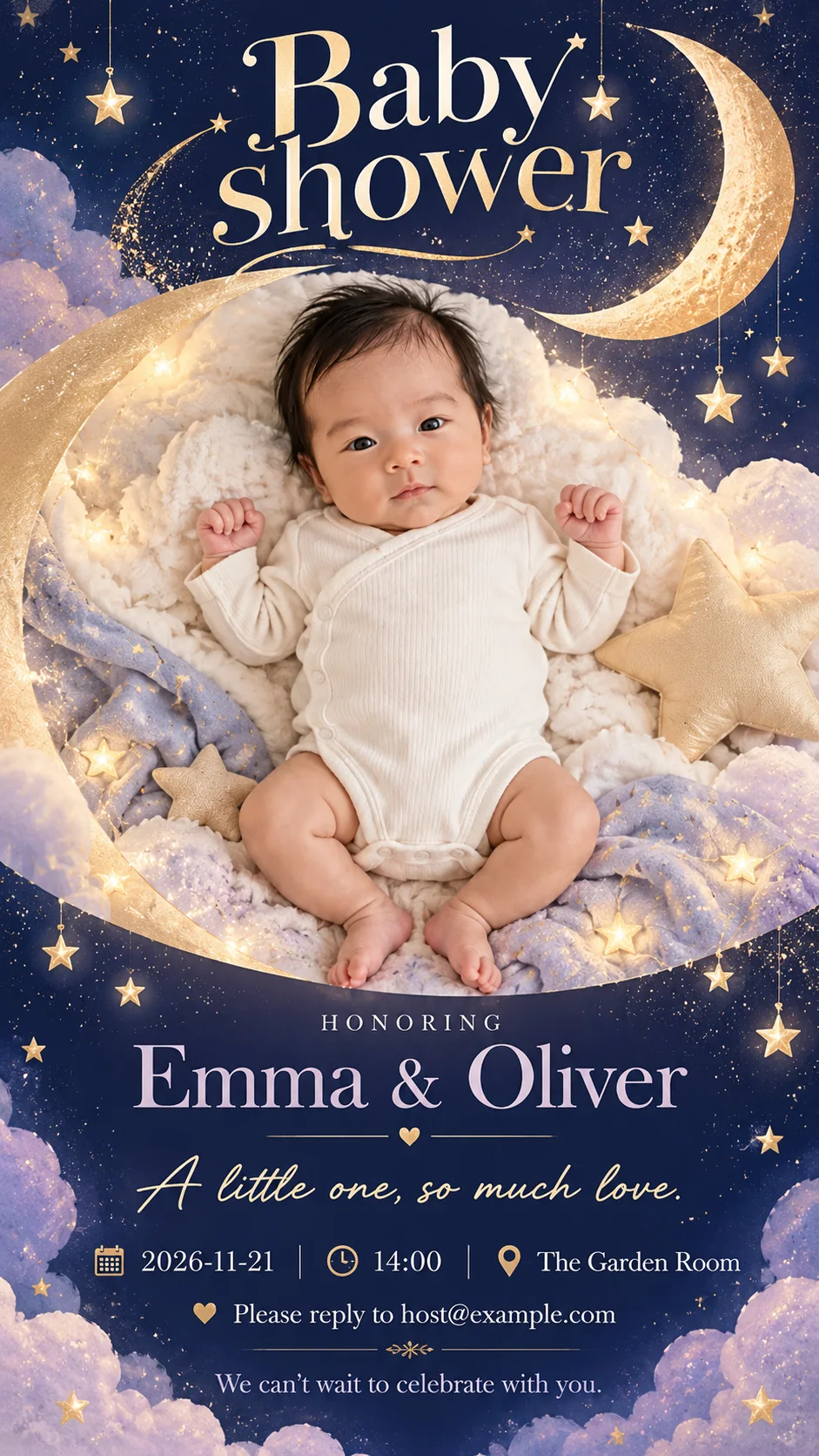
Choose a portrait invitation or a tall phone story. Review the generated image, download it from your results, and share it with your guests. Include clickable RSVP and registry links in your accompanying message.
- 4:5 portrait invitation at 1K
- 9:16 phone story at 1K
- Original downloads in My Creations
From an idea to an invitation
How to make a baby shower invitation
Add your photo
Select a baby, ultrasound or parents-to-be photo to include in the finished invitation.
Make it personal
Fill in the names, date, time, venue and your message. Let AI design it, or add an optional style preference.
Generate, review and send
Check the credit price and generate your invitation. Proofread the finished image, download it and send it to your guests.
One generation, one complete invitation
Credits pay for the AI to turn your photo and event information into the finished design. The price appears before you generate.
Need to change a detail?
Update your form and generate a new version. Each new generation uses credits; downloading a saved result again does not.
Create your invitationBefore you send the invitations
What photo should I use for a baby shower invitation?
Add a baby photo, an ultrasound or a picture of the parents-to-be. The AI uses that photo together with your event details to create the complete invitation. Choose an image you have permission to use and check the generated portrait before sharing.
What should I include on a baby shower invitation?
Include the names of the parents-to-be, date, time and location. Add your own invitation message or blessing, a way to reply and any useful information about the host or registry. For a virtual shower, include a time zone and share the meeting link in your message.
Can I change the wording or date afterwards?
Edit the form and generate a new invitation with the updated details. The photo, artwork and lettering are generated together in one image, so a new version uses credits. Check names, dates, addresses and spelling before sending the finished image.
How much does an invitation cost?
Each invitation costs 3 credits per generation. Choosing a style and filling in your details do not use credits. Downloading an already generated result does not generate or charge again.
What invitation sizes are available?
Choose a 4:5 portrait invitation or a 9:16 phone story, generated at 1K resolution. Download the original generated image from its result card or My Creations. This tool does not provide print delivery, RSVP tracking or separately editable text layers.
Can I describe my own design?
Yes. Leave the style on Let AI design for an original composition, or describe your own colors, mood, decorations or photo layout. Style suggestions are optional and do not lock the invitation to a template. Your message and event details are included in the generation request. Selecting a photo keeps it local; it uploads only after you click Generate and your account and credits are checked.
Can I write the invitation in my own language?
Yes. Write names, the invitation message and guest information in your language. The generation instructions request that your wording be preserved. AI lettering can contain mistakes, so proofread the result. Put clickable RSVP and registry links in the message you send alongside the image.
Can I come back to my invitation later?
Your form and selected photo are saved on this device when browser storage is available. Generated invitations are available in My Creations, with their input photo and generation details. Your photo and private event details are not added to the public style gallery. If saving a generated image fails, use Retry save instead of generating it again.
More ways to celebrate