AI Baby Dance Video
A dancing baby video needs two inputs: a baby photo for the character and a dance reference video for the movement. The current output is vertical (9:16), and its duration follows the reference clip.
Choose one dance move, then give it a character. The reference video supplies the movement; the photo supplies the baby’s appearance. This guide walks through trimming that reference, matching the photo and checking the finished dance.
Open the toolQuick Steps
Follow the steps from preparing your inputs to checking the result.
- 1Open the Dancing Baby tool.
- 2Upload a dance reference video or choose a sample. It supplies the movement; the input limit is 30 seconds.
- 3Upload a clear baby photo (face centered; include shoulders).
- 4Choose a model and its available quality setting. Check the detected video duration and credit estimate; there is no separate 5-second duration selector.
- 5Generate, then compare the full result with the reference. Check hands, feet and moments when the subject turns or leaves the frame.
- 6Export and post (captions + trending audio help).
- Duration matches your input video (max 30s).
- Output is fixed to vertical (9:16).
Trim one complete move before uploading
- Find a readable sequence
- Use one visible dancer and a steady camera. A short sway, bounce or step is easier to compare than a montage. Avoid cuts, people crossing in front of the dancer and movements that leave the frame.
- Set the beginning and ending
- In a video editor, trim to a complete movement with a little room before and after it. Start with 5–10 seconds as a practical test, not a required tool setting. Keep the file within 30 seconds and 50 MB, then watch the exported reference once.
- Match the photo to the move
- For steps, show the feet, knees, arms and space around the body. For a close portrait, choose a small upper-body motion. A seated or tightly wrapped baby is a poor match for a standing dance. Use one clear subject for your first attempt.
Compare the motion, the photo and the result
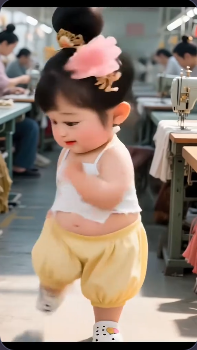
This existing site example includes both inputs. Play the two clips and compare the timing of the raised arms and steps. The archived model settings are unavailable, so it is a workflow demonstration, not a benchmark of today’s models.
.webp)
Choose settings after checking your inputs
- Kling V2.6 or V3 Motion Control
- Both expose Standard/Pro and an optional video prompt. Begin with the default model and a short reference; compare another model using the same inputs. Pro is a quality option, not a repair for missing feet or an obstructed dancer.
- DreamActor
- This alternative uses the same photo-and-motion task, but does not show the Kling mode and prompt controls. Check the current estimate when switching models; do not assume they cost the same.
- Duration, framing and upload
- The editor detects duration from the reference and rounds it up for the estimate. There is no separate duration or aspect-ratio selector. Prepare vertical framing before upload. If a MOV file will not preview, export an MP4 with H.264 video and recheck its size and length.
Optional scene direction for Kling
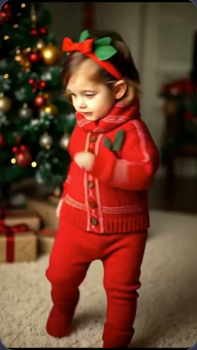
Keep the red outfit and Christmas-tree background consistent. Steady camera and soft indoor light.
Use this only when it matches your photo. The reference still controls the choreography; a longer prompt cannot replace the motion video.
Tutorial Examples (with prompts & settings)
Compare the examples, their available inputs and the settings recorded with them.
Vertical dance clip (9:16)
These archived examples show the baby photo and finished dance. The original motion reference is not included. To try the tool, supply a dance video as well as a photo; the photo alone cannot define the choreography.
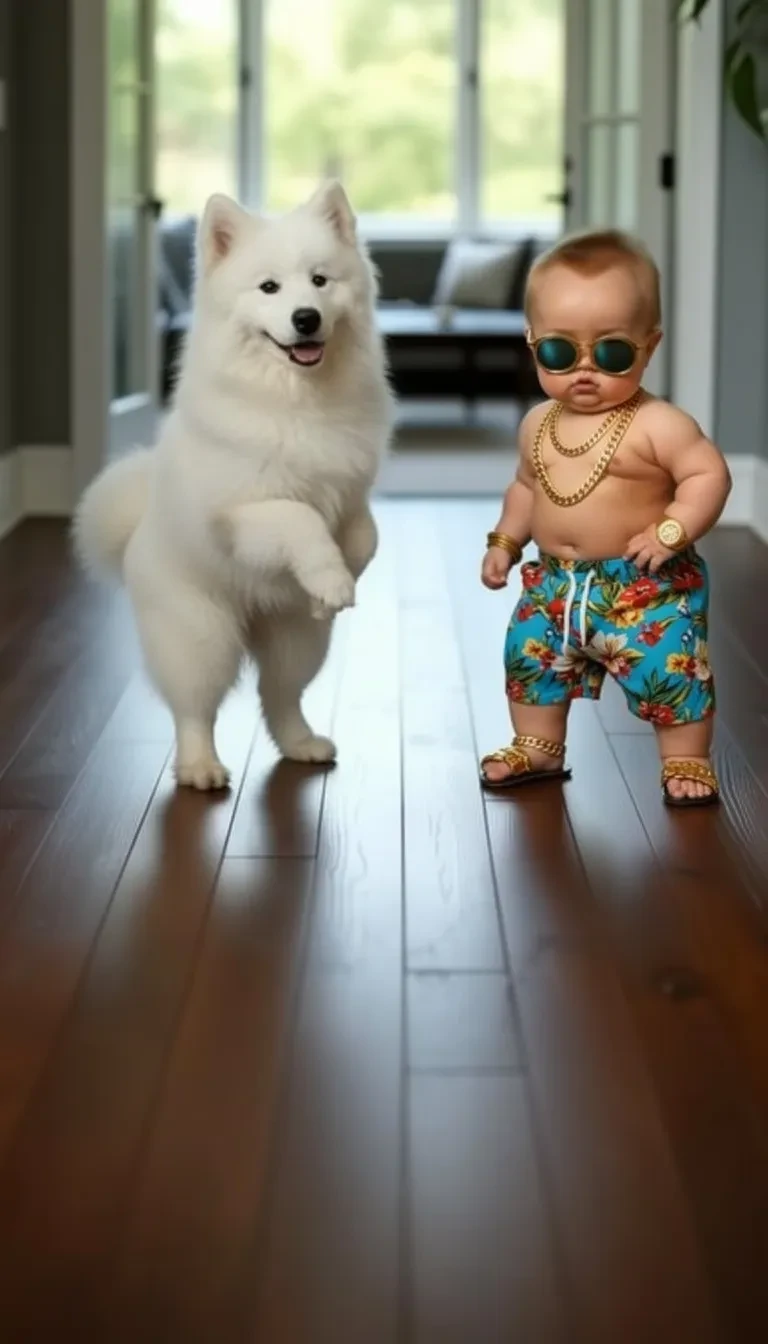
- Two subjects make a harder test
- The baby with sunglasses stands beside a white dog. In this roughly 10-second archive, inspect the separation between them and the contact with the floor. It is a more complex scene than the single-subject photo recommended for a first attempt.
Dance variation (9:16)
These archived examples show the baby photo and finished dance. The original motion reference is not included. To try the tool, supply a dance video as well as a photo; the photo alone cannot define the choreography.
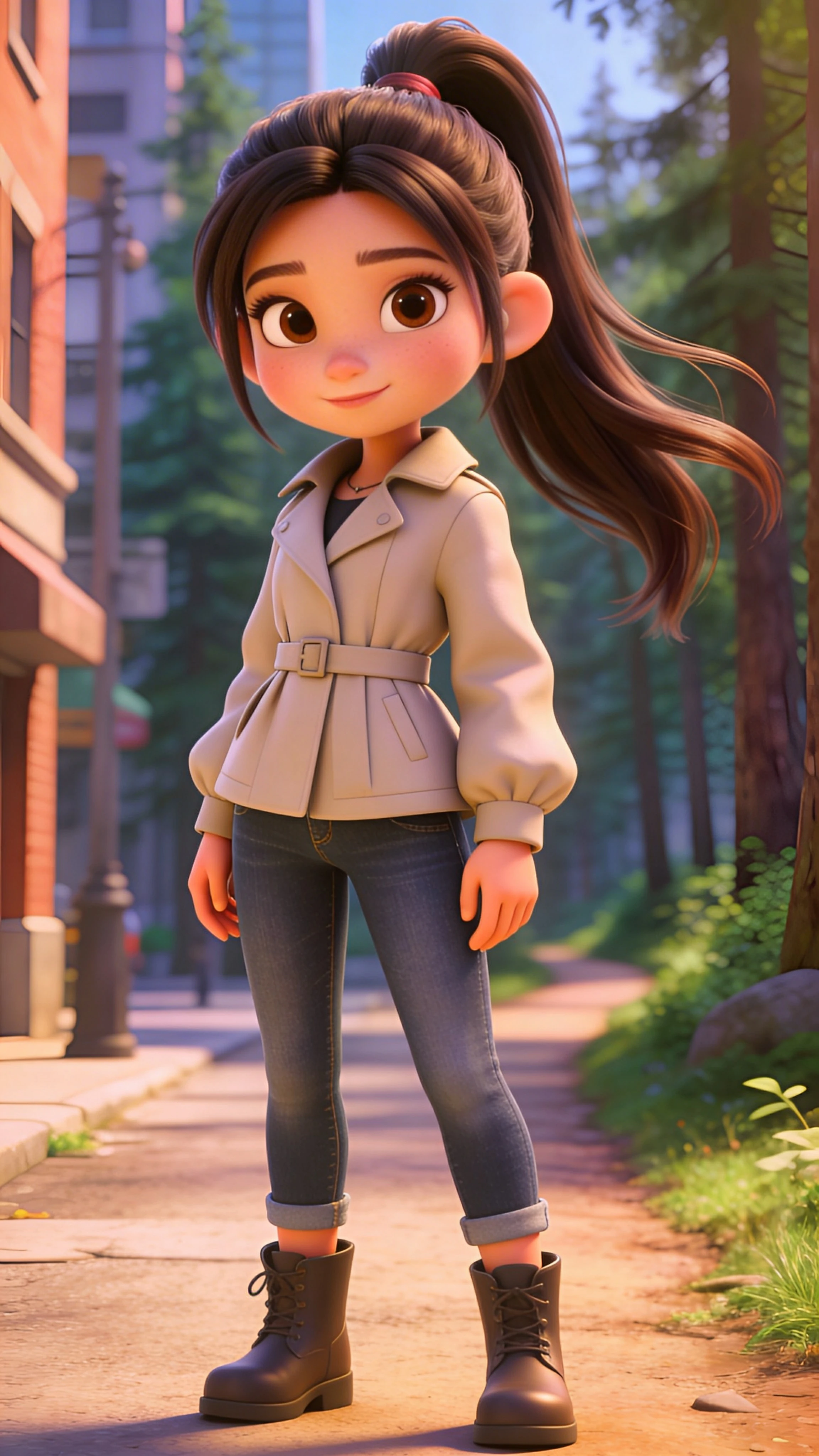
- Full body, boots and moving hair
- The cartoon character in a beige jacket gives you visible arms and legs to follow across the roughly 17-second result. Watch the boots during side steps and the long hair around the shoulders. This demonstrates a stylized character, not a photographic infant.
Dance variation (9:16)
These archived examples show the baby photo and finished dance. The original motion reference is not included. To try the tool, supply a dance video as well as a photo; the photo alone cannot define the choreography.
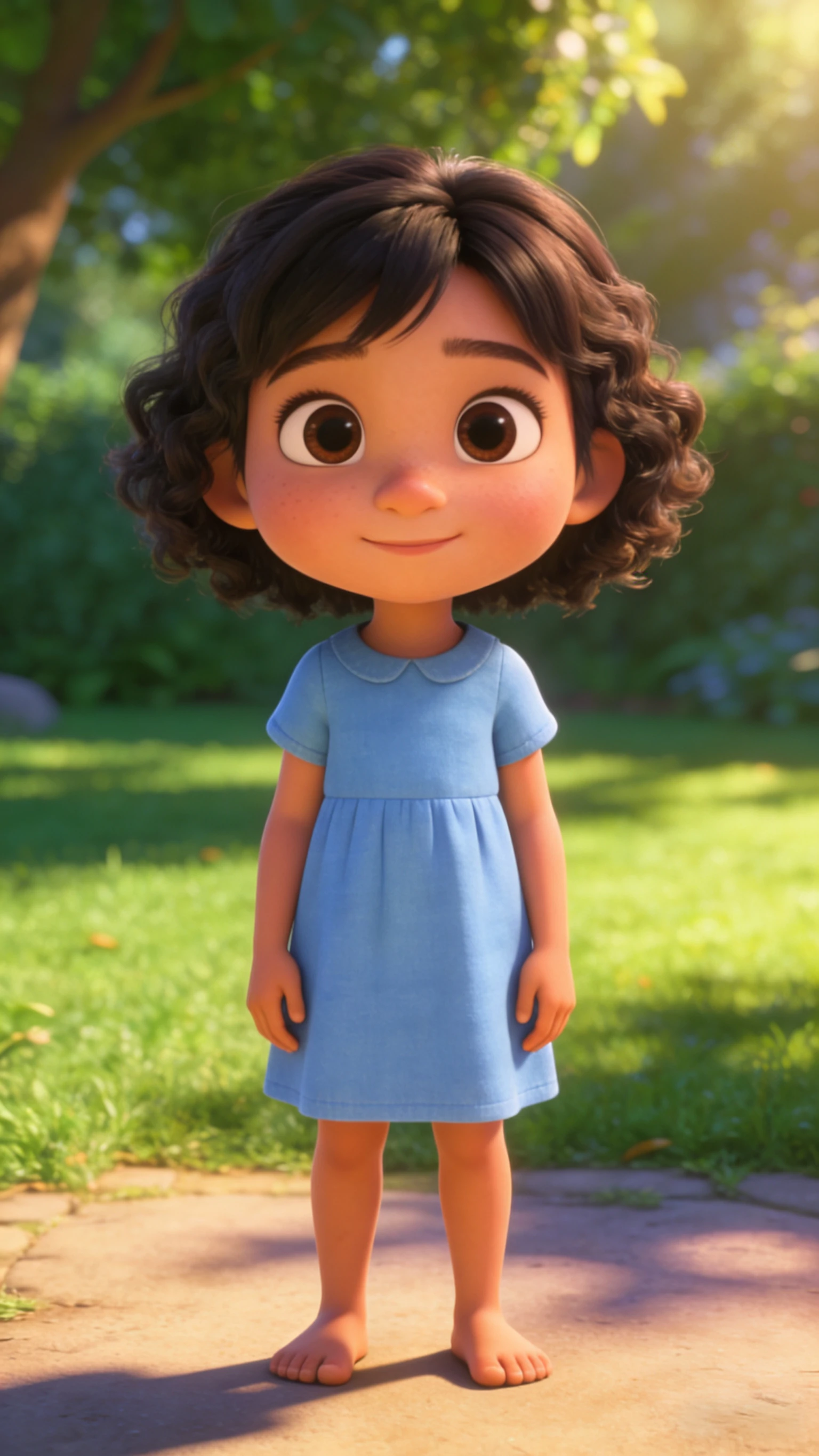
- Notice the details that change
- The blue-dress source is barefoot, while the roughly 16-second result shows white shoes and changes to the hair. Compare clothing and face as well as the dance. A plausible movement is not proof that every source detail was preserved.
Review the dance at full speed, then pause
Download a usable take before testing another. For a loop, choose nearby start and end poses in your editor and watch the join several times; automatic generation does not guarantee a seamless loop.
- Feet slide or legs cross awkwardly
- Pause when a foot should be planted. Try a reference with smaller steps and a photo showing both legs. Keep the photo fixed while testing the simpler motion so you can see what changed.
- Face, hands or clothing drift
- Inspect turns and moments when hands cross the face. Shorten the reference around an unobstructed move, or use a clearer front-facing photo. Check the beginning, middle and end, not just the poster frame.
- Music and the final crop
- Kling requests the reference’s original sound, so listen to the downloaded file before adding music. Trim and adjust audio in a video editor; avoid stacking two copies of the same track. Keep feet and raised hands inside the final crop, and preview once on a phone.
- Make the baby sing to an audio track
Use the singing workflow when mouth timing matters more than copied body movement.
- Prepare a cartoon baby character
Check the still image and full-body framing before animating it.
Tips
- If motion looks weird, the fix is usually a better photo and crop—not a longer prompt.
- Keep the face centered and large in frame for fewer artifacts.
- Shorter clips look cleaner and loop better.
FAQ
Why does the dance motion look weird?▼
Should I use 9:16 or 1:1?▼
How do I make it more viral?▼
Can I create a baby dance from a photo alone?▼
How do I make a shorter dance video?▼
Will a dance template keep every detail of my baby photo?▼
Ready to generate?
Choose your own inputs and check the available settings before generating.