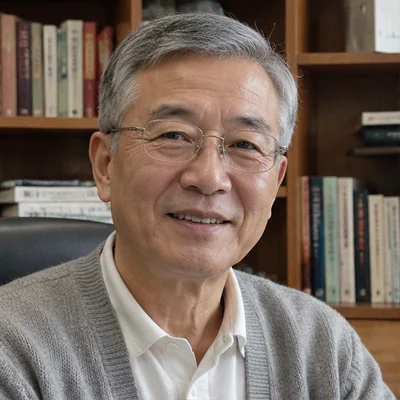
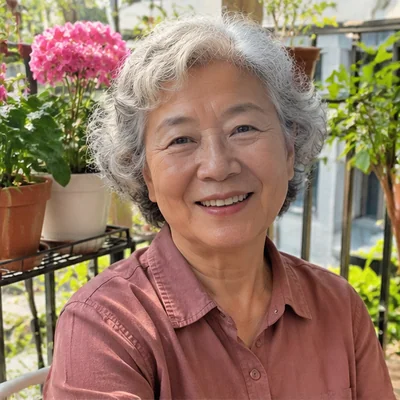
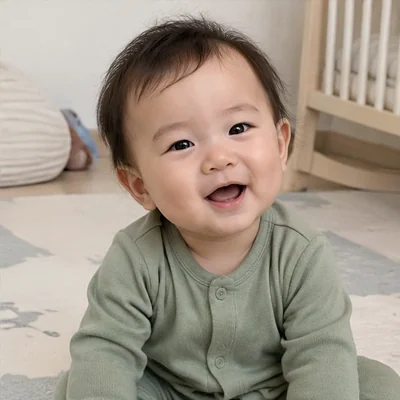
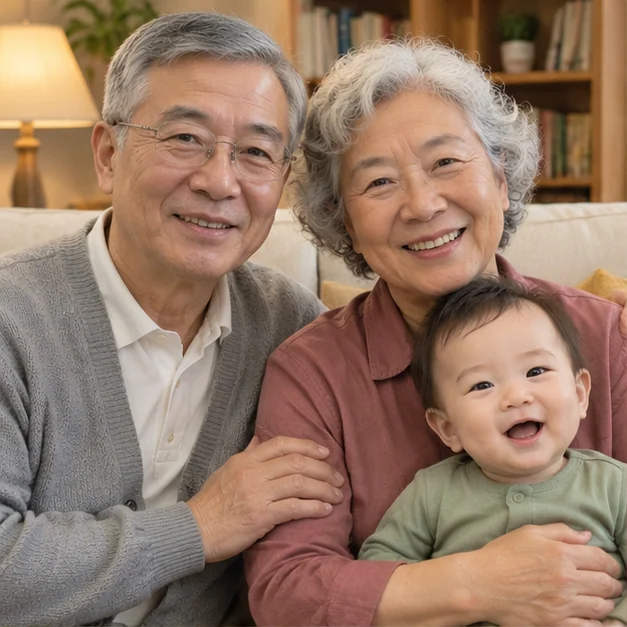
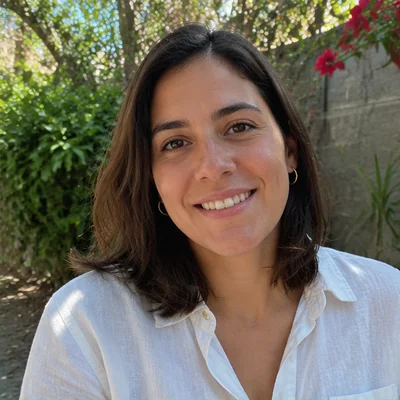
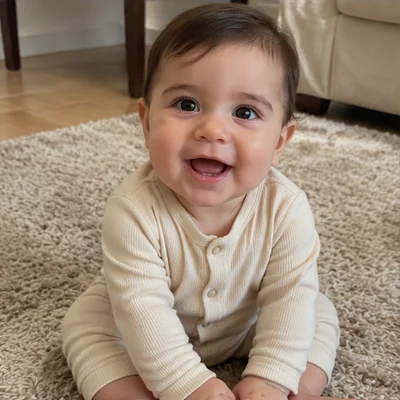
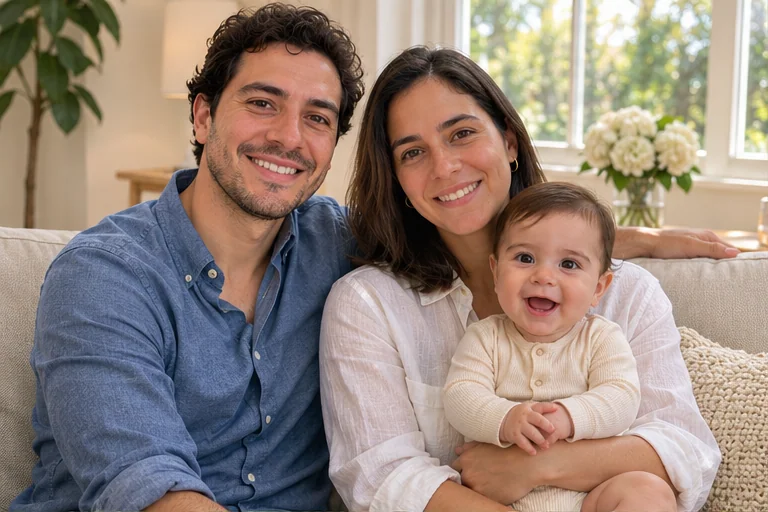
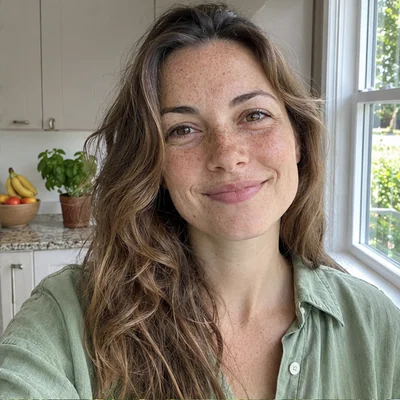
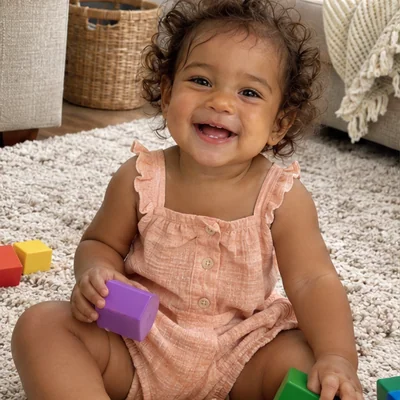
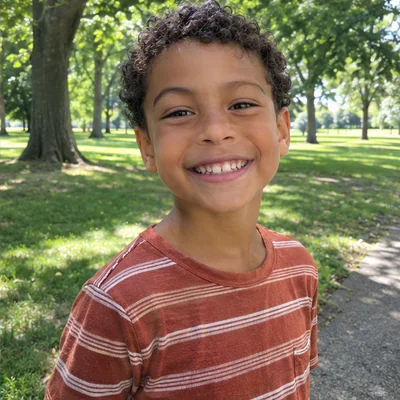
A baby photo from your phone. Dad in the kitchen. Grandma on her balcony. Give everyone a place in the same picture.
Separate photos
Grandpa, 66Grandma, 6410-month-old baby
One shared portrait
Grandparents, meet your little star
A portrait with grandparents, even when they live far away.
Separate photos
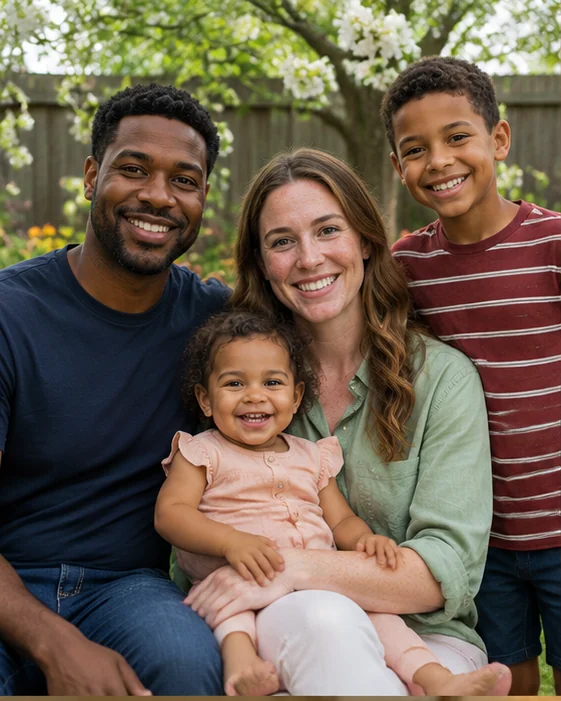
DadMom18-month-old toddler8-year-old son
One shared portrait
A weekend together
Make room for the whole family, with each person from their own photo.
AI-created concept examples with fictional families. Your photos guide a new image; likeness and details may vary.
The moments you want to bring together
Different photos. A family story of your own.
01
A baby and grandparents in one photo
Combine grandparents' individual photos with a recent baby picture. Add the baby's age and say who should hold them, so the portrait starts with your own family story.
An idea to make your ownGrandma holds the baby safely on her lap, with Grandpa seated beside her. A warm, candid living-room portrait.
02
A three-generation family portrait
Bring a grandmother, mother and child together from separate references. Describe a relaxed studio pose, or choose a setting that feels familiar to your family.
An idea to make your ownThree generations close together against a soft cream studio background. Mom holds the baby and Grandma sits beside them.
03
Combine family photos when you live apart
A shared photo does not have to wait for the next reunion. Start with each person's own picture and create an imagined afternoon together, even if everyone lives in a different place.
An idea to make your ownOur family seated close together in a leafy garden. Natural expressions, soft daylight and a relaxed weekend feeling.
Find your kind of together
Not every family portrait needs to look the same.
A quiet moment with your baby, a portrait of three generations or a father–daughter afternoon. Choose an idea, then tell your own story.
A portrait of all four
4 people · Studio
A little father–daughter moment
2 people · Outdoors
Just you and your baby
2 people · At home
Three generations of love
3 people · Studio
Everyone in the same room
4 people · At home
A memory with Grandpa
2 people · Outdoors
Mom and her two little ones
3 people · At home
A moment with Dad
2 people · Studio
A season to share
Create a family Christmas photo from separate pictures
Ask for subtle greenery, a cozy room or a festive studio backdrop, without arranging a new photo session. Your references supply the people; your description sets the season.
Use the digital portrait for a personal family greeting. Add your own message afterwards with the image editor.
Make the portrait yours
Choose the scene, the pose and the people who matter
Keep the same people in your references and describe a different moment. A new version is a new generation; check the cost before creating it.
The small, everyday moments
A mother and baby by the nursery window. A father and daughter on a garden bench. Family pictures can be intimate, too.
A studio look without gathering everyone
Ask for a neutral background, coordinated outfits and a simple seated arrangement. Tell the AI who goes where instead of editing separate layers.
How to create a family portrait from separate photos
01
Add your people
Upload one photo per person. Use optional labels such as Mom, Grandpa or baby, 8 months to explain who is who.
02
Choose the moment
Pick a setting and picture shape. Describe who sits where, who holds the baby and any clothing or background details.
03
Create, check and keep
Check the credit cost, then generate. Compare every face, age and hand with your originals before downloading.
Where can I create a family portrait from individual photos?
BabyVideo's AI family photo generator combines separate reference photos into one new portrait. Add a photo for each person, choose a setting and describe how you want everyone arranged. You can review the result alongside your originals before downloading.
Can I include my baby and grandparents in the same picture?
Yes. Add a reference for each family member, up to four people, and use the person labels to identify the baby and grandparents. You can also include the baby's age in your description. AI may change details, so check each face and age against the original photos.
Is there an AI tool for family members who live apart?
This family photo tool accepts individual pictures, so everyone does not need to be photographed together. It creates an imagined shared scene from your references. It is a new AI image, rather than a photograph of an event that actually happened.
Will everyone look exactly like the original photos?
Exact likeness is not guaranteed. AI can change facial features, ages, hands and other details. Compare every person with the references and create another version if the result is not right.
What photos should I use?
Add one photo per person, with the face visible and little obstruction. Use the optional labels to explain who is who. Only upload pictures you have permission to use.
Is this a family photo collage maker?
It creates a single new AI portrait using your reference photos. It does not place the original photographs unchanged into a collage grid. Keep your originals if you need an unaltered photographic record.
Can I try a family photo generator without a subscription?
BabyVideo uses credits and offers one-time credit packs. Eligible accounts can claim free credits through Daily Check-in. The generation cost is shown before you start; signing up alone does not add credits. See credit packs
Can I choose the background, clothing and positions?
Choose a setting or add your own description, including clothing, who sits where and who holds the baby. These instructions guide a new composition; individual details and positions can vary.
Do you print or ship the portrait?
The result is a digital image. Printing and delivery are not included. Check the downloaded file's dimensions and the print provider's requirements before ordering a physical print.
A picture worth bringing together
Start with your people.
Add their photos and describe a moment you'd love to share.